Translate product images for new markets
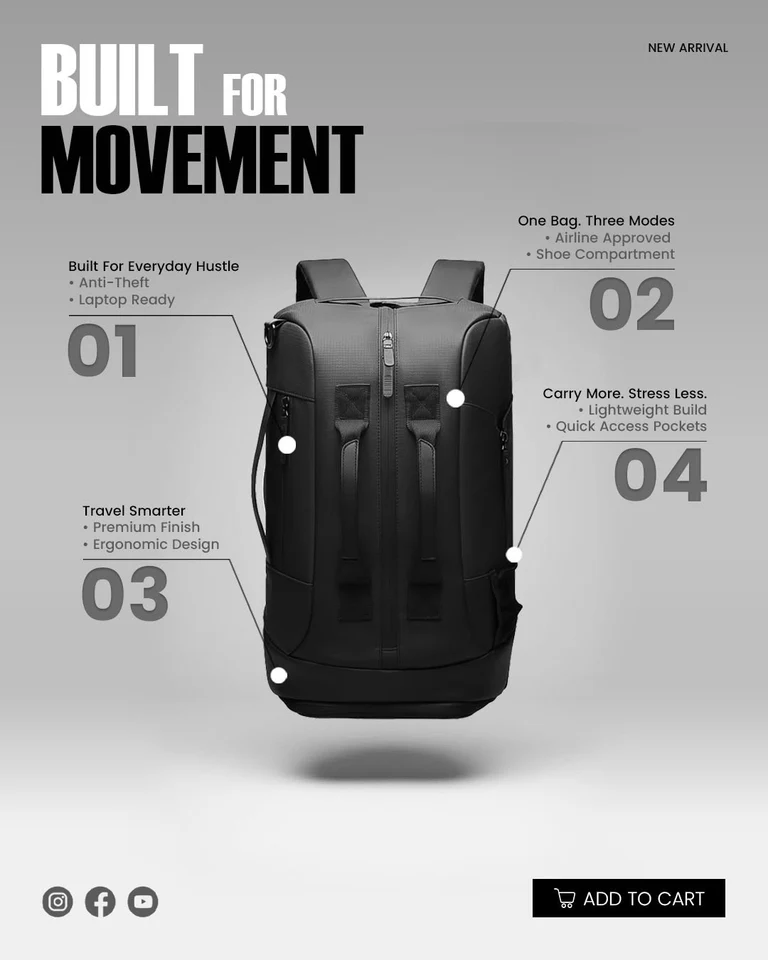
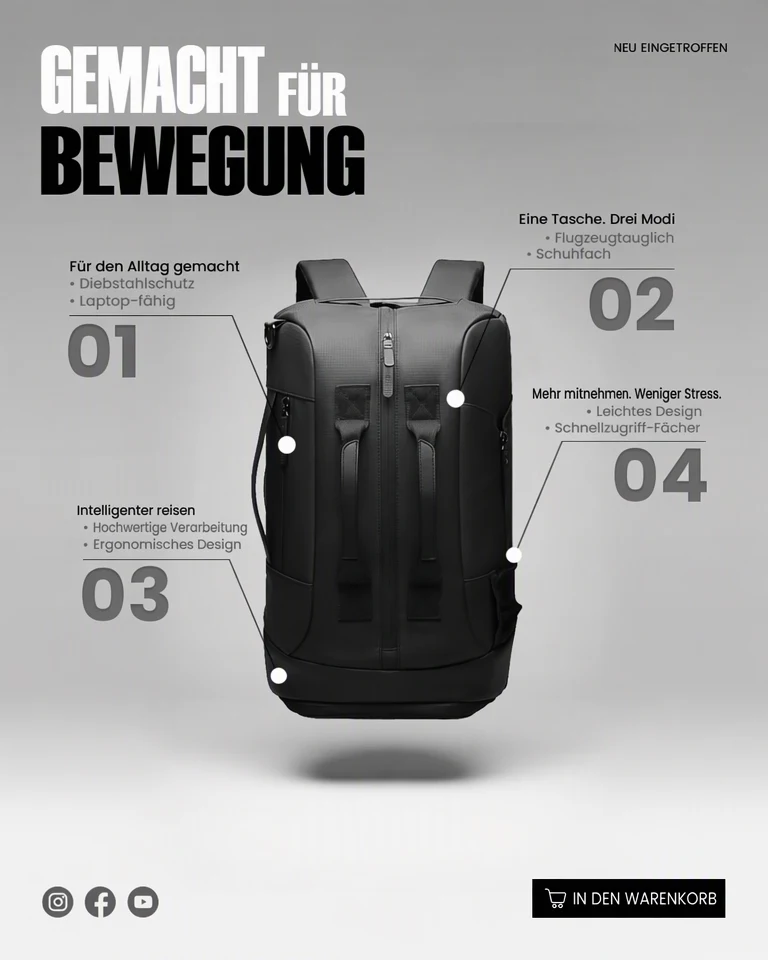
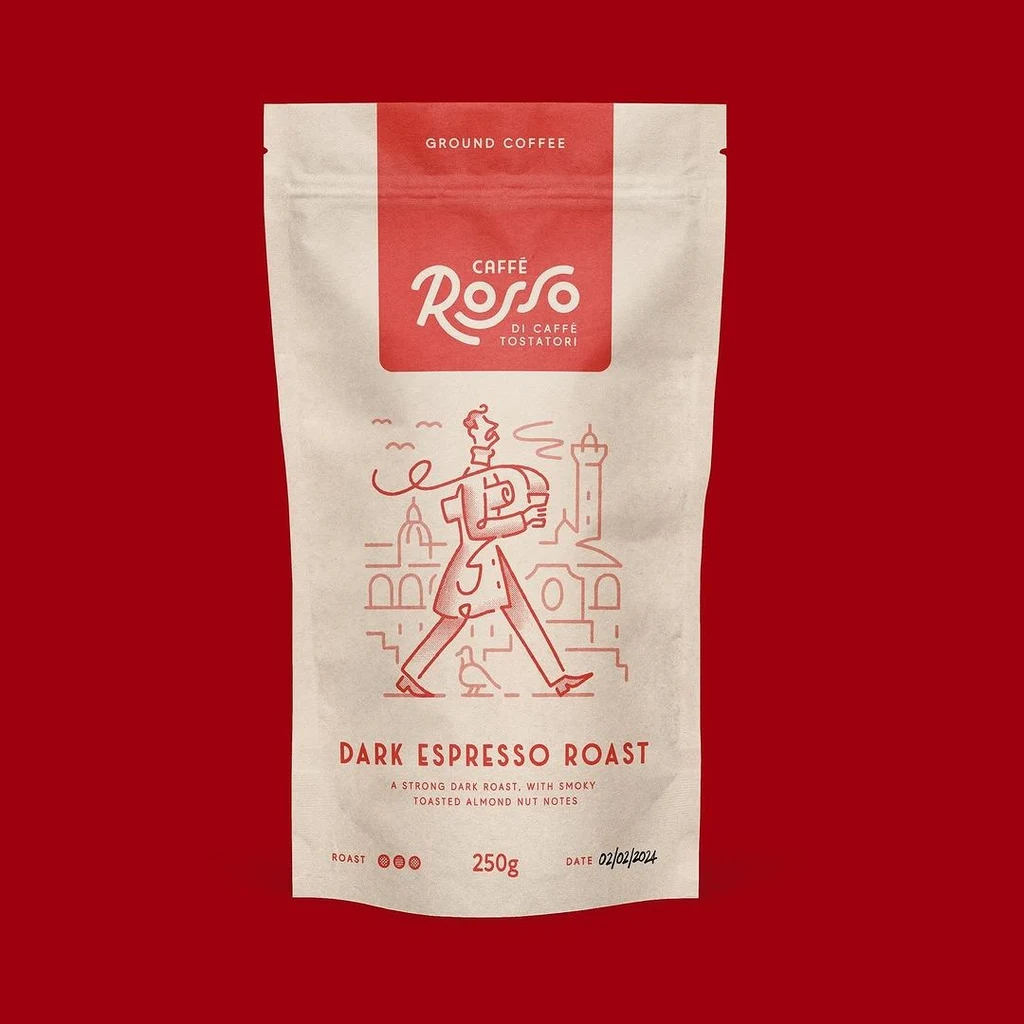
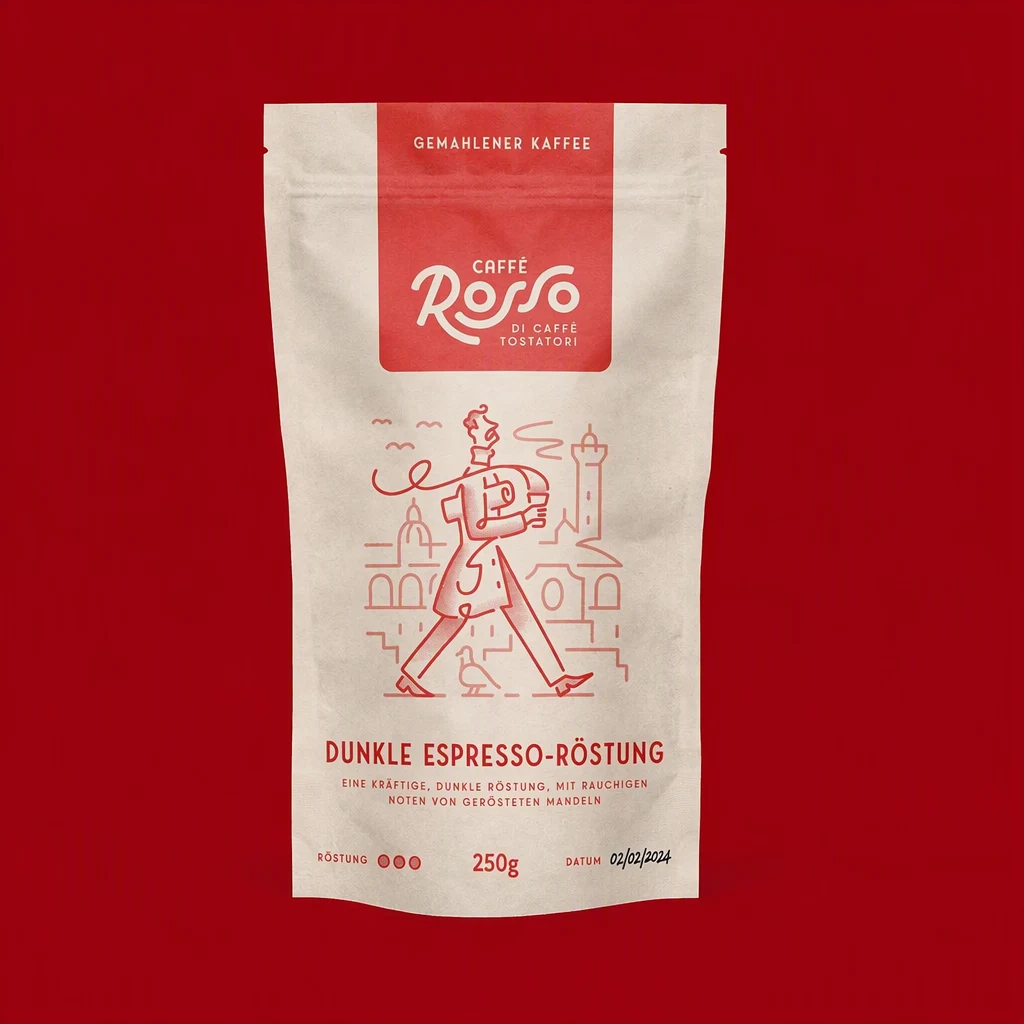
If you sell your own products on Amazon, Shopify or Etsy and are adding a market in another language, you can translate product images such as infographics, feature callouts and packaging shots, and keep their layout. This guide covers which images to translate and what to check before you publish them.
Or drop an image here. PNG, JPG or WebP, up to 14 MiB.
Your image stays on this device until you sign in.
Sign in with Google to upload. Your first Standard edit is free and includes a watermark.
Examples


How it works
Start with the text-heavy images
Upload a listing image, starting with infographics, size charts and feature callouts. Use your original export rather than a copy saved from the marketplace page, which may be smaller or more compressed.
Pick the language and the lines
Choose the language your new shoppers read. All detected text is translated by default, and brand and product names are kept where possible. To be sure a line stays exactly as it is, such as a brand name on its own, switch off Translate all text and untick it.
Translate and compare the details
Select Translate image, then compare before and after, looking at small print, numbers and units, icons and the product itself. Results on curved bottles, shiny boxes or textured labels can vary, so try High quality if the new lettering looks blurred or uneven.
Download and label each set
Download the PNG and put the market or language code in the file name. If a marketplace asks for a different file format, convert the PNG before you upload it.
Decide which images to translate
Before you translate product images, sort the listing into two groups: images with text added for the listing, and images where the only words are printed on the product. Infographics, comparison charts, size guides and feature callouts were made for the listing, so translating them describes the same product in a new language.
Packaging needs more thought. Translate the words printed on a box or label only when the product you ship to that market carries the same wording. Shoppers expect the package in the photo to match the one that arrives, and a translated photo of English packaging would not.
Check each marketplace's current image rules before you upload. Some limit added text on the main image, so translated infographics often belong in the additional image slots. Also find out whether your store or marketplace lets you set different images for each language or country. If every shopper sees the same photos, a translated infographic will also reach people who read the original language.
Leave room for longer translations
Translations often run longer than the English they replace, and product images are full of tight spaces: badges, icon labels, arrows pointing at features and short lines inside a chart. A translated line that is much longer than the original can look crowded or come out smaller than the text around it.
The AI fits each translation inside the area of the original text, using a smaller size or a line break when it needs more room, so check every badge and label in the result. If a callout comes out crowded, solve it in the wording: ask your translator for a shorter phrase that says the same thing, then use the Edit text tool to put it in place of the long one. A callout that a shopper can read quickly is more useful than a full sentence squeezed into a small badge.
Check claims, numbers and sizes
A translated image makes promises to a new group of buyers, so give it the same care as your listing text. Ask a fluent speaker, ideally someone who knows the market, to review every image before you publish it, with these points in mind.
- Measurements and units: numbers are kept as written where possible, and they must match the product exactly. If the market uses different units, type the converted values in with the Edit text tool and check them twice.
- Claims: words such as waterproof, organic or hypoallergenic can carry legal meaning in a new market. Confirm that each claim is accurate and allowed there.
- Sizes: clothing and shoe sizes can follow different systems in other countries. Match the labels to the size chart you actually use for that market.
- Missed text: look for any line that stayed in the original language, including fine print near the edges of the image.
- Required labeling: a translated photo does not replace the label information a market requires on the product itself.
Frequently asked questions
Can one translated image serve several countries that share a language?
Sometimes, but check with a fluent speaker from each market first. Spelling, product terms and number formats can differ between countries that share a language, such as Spain and Mexico, which even write decimals differently. When the differences affect your images, save a separate copy for each market and change the words that differ with the Edit text tool.
Can I translate images my manufacturer or supplier provided?
Yes, if your agreement with them allows you to modify the images for your own listings. Ask them when the terms are unclear. Keep their brand and product names exactly as they are, and do not translate photos copied from another seller's listing or a competitor's website.
What if a size chart or infographic has a lot of small text?
Choose High quality, which is meant for finer detail, and check every cell and label after applying. Very small or low-contrast text can be missed or come out unclear, and numbers in a chart are easy to misread. Ask your reviewer to compare the translated chart with the original line by line, so that no value changes.
Can the product itself change when the text is translated?
Yes, it can. Anything close to the translated text can change with it, such as the edge of a bottle, a callout arrow or the texture behind a label. Use the comparison slider and pay attention to anything a shopper relies on, such as color, shape or the parts included. If something changed, try High quality, or keep the nearby text as it is by switching off Translate all text and unticking that line.
Try it on your own image
Or drop an image here. PNG, JPG or WebP, up to 14 MiB.
Your image stays on this device until you sign in.
Sign in with Google to upload. Your first Standard edit is free and includes a watermark.