Translate a poster into another language
Event organizers, venues and campaign teams often need the same poster for people who read another language. Translate a poster or flyer while keeping its layout and lettering, then check the names, dates, prices and addresses your audience will rely on.
Or drop an image here. PNG, JPG or WebP, up to 14 MiB.
Your image stays on this device until you sign in.
Sign in with Google to upload. Your first Standard edit is free and includes a watermark.
Examples
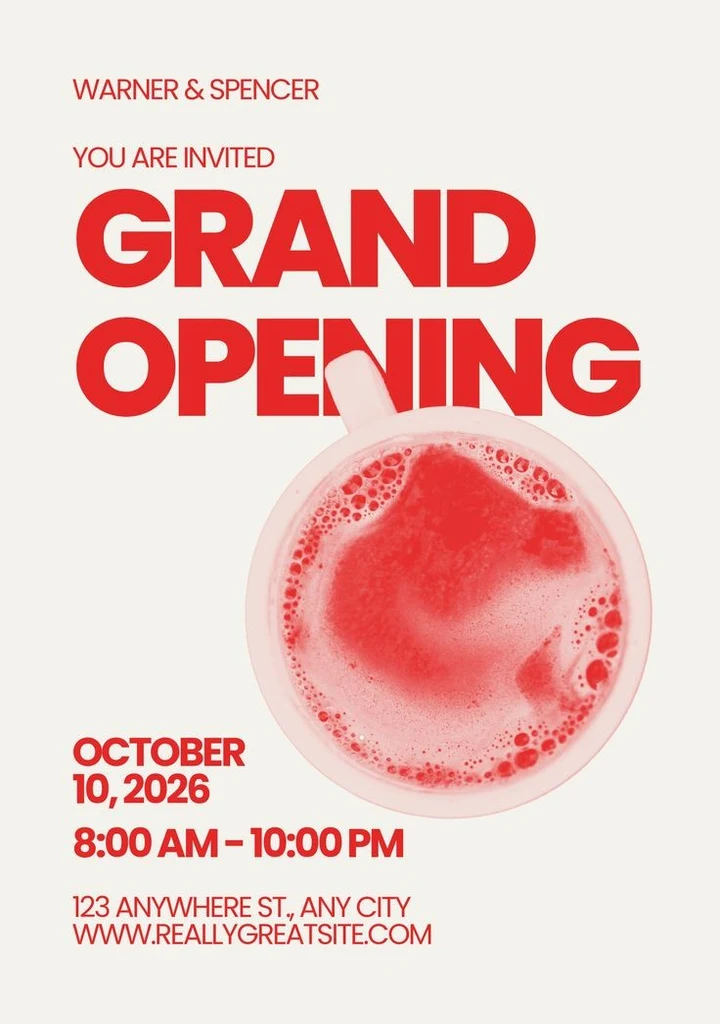
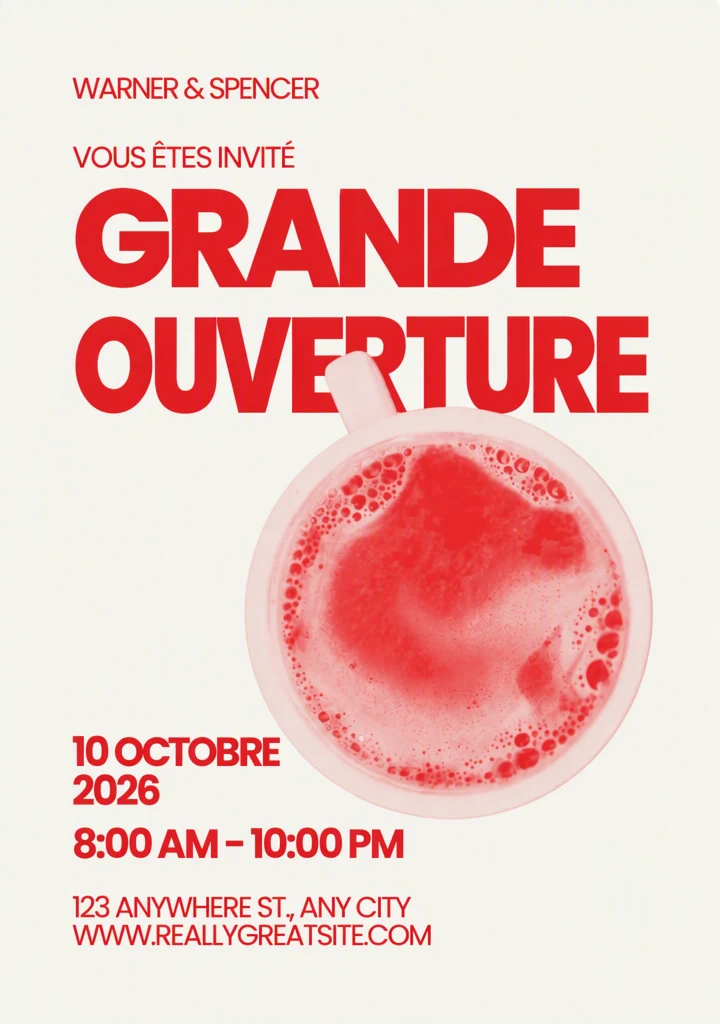
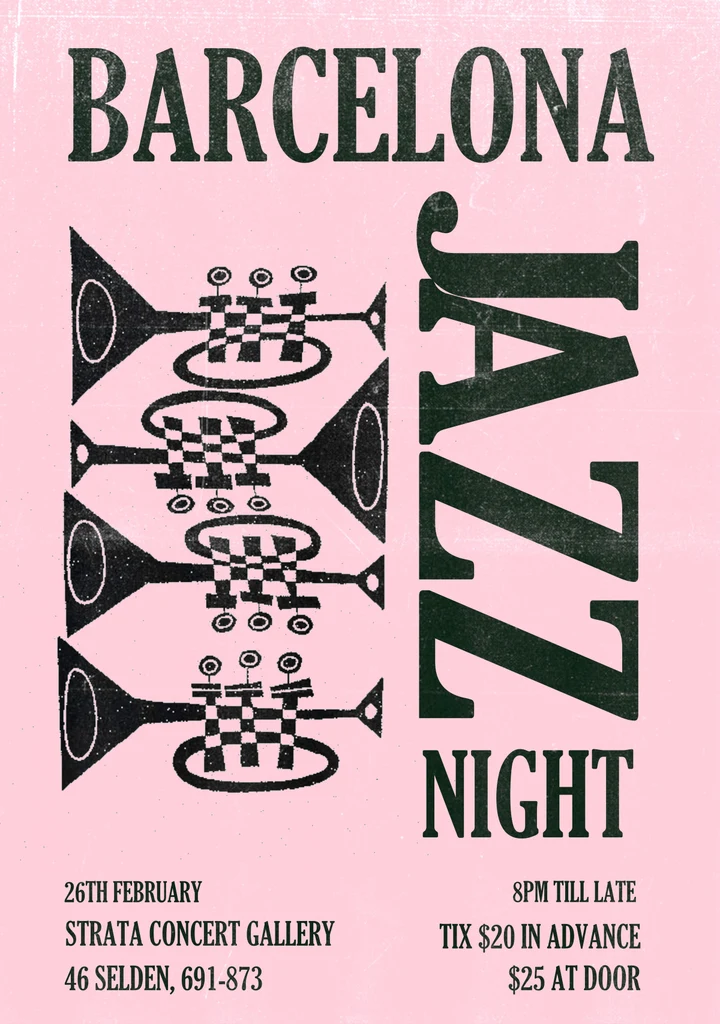
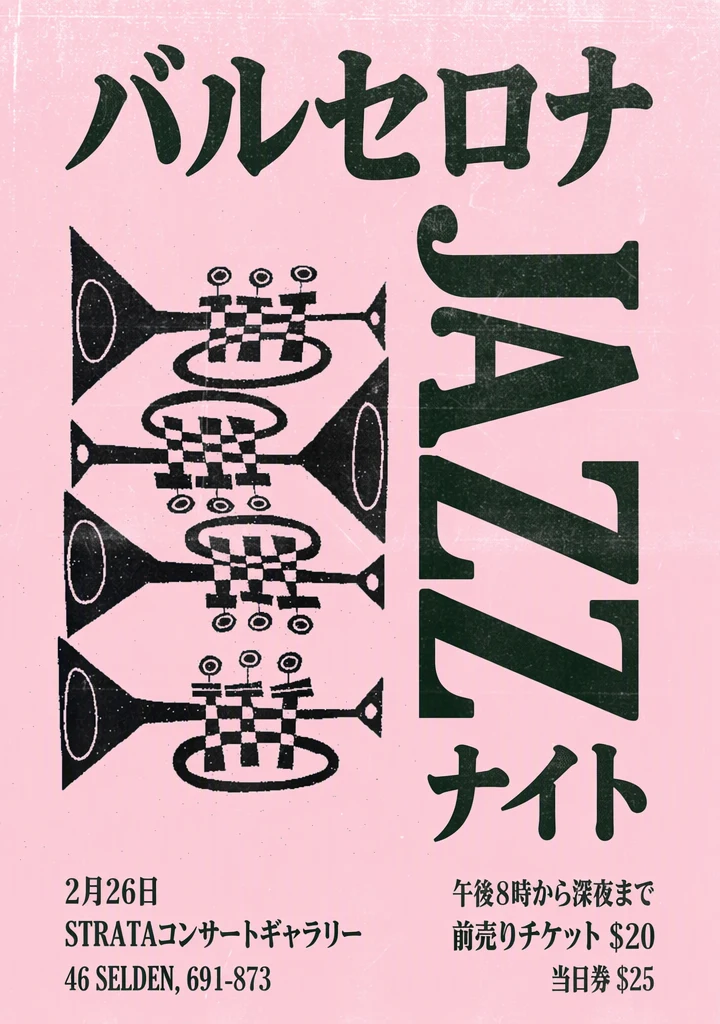
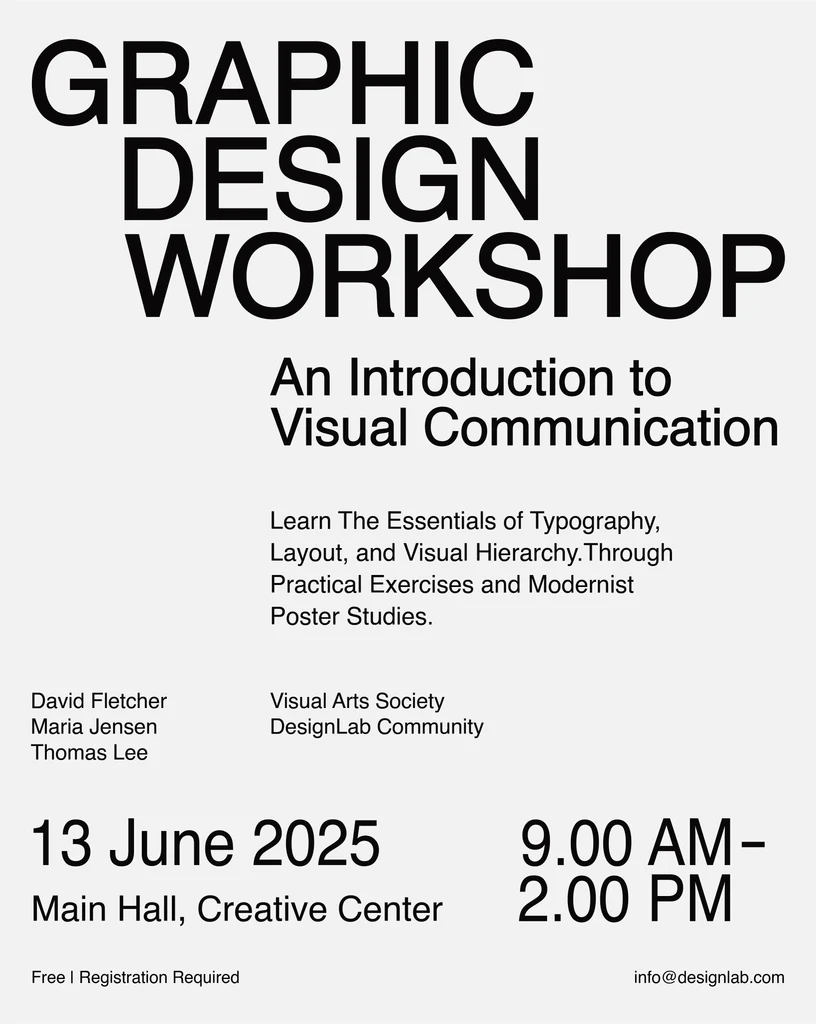
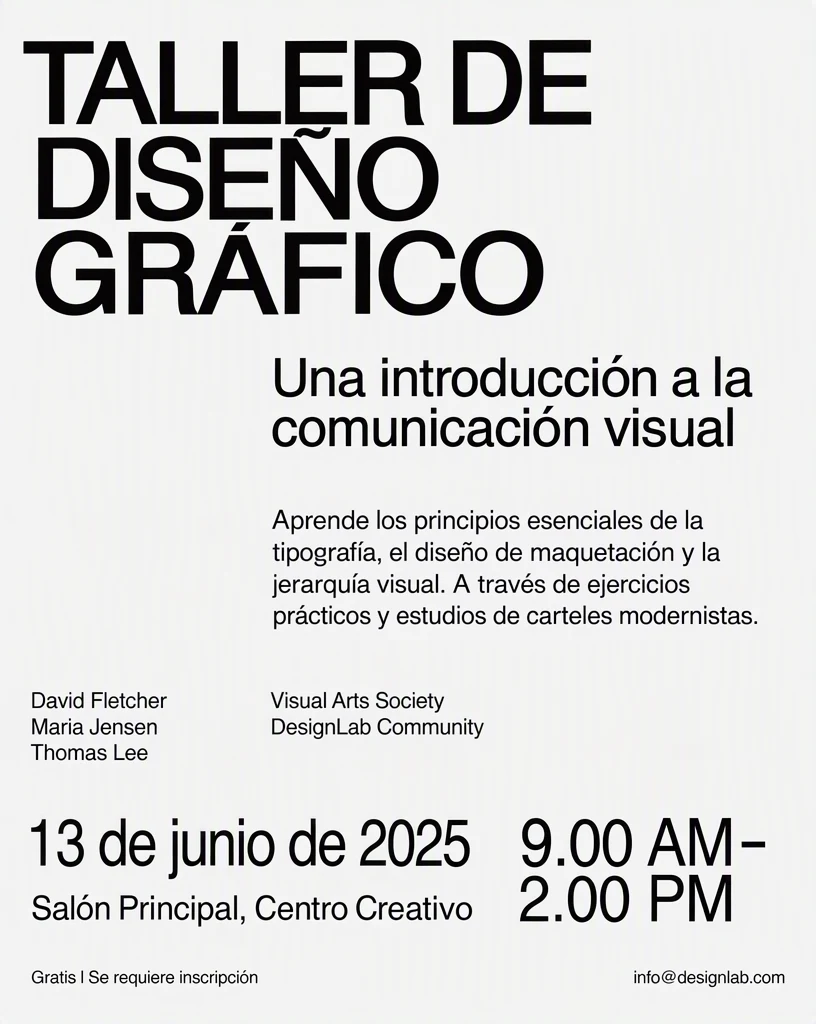
How it works
Upload the finished artwork
Use the final digital file rather than a photo of a printed copy, so small print is clear enough to be detected. If you only have a printed copy, photograph it from directly in front, avoiding reflections.
Choose your audience's language
Select the language your audience reads. Have a list ready of the names that must stay as they are, such as performers, speakers, the venue and sponsors.
Choose the lines to keep
All detected text is translated by default, and names are kept where possible. To be sure a line stays exactly as written, such as a performer or venue name on its own line, switch off Translate all text and untick it.
Translate and check the lettering
Select Translate image and compare the result with the original. Check the headline lettering, the line breaks and anything close to the text, and try High quality for decorative lettering or a change of script.
Proofread before you publish
Download the PNG and have a fluent speaker proofread every line, small print included, before you print the poster or post it online.
Decide what stays in the original language
When you translate a poster, some words should not change at all. Performer and speaker names, venue names and sponsor names usually stay exactly as written, because people will search for them or look for them on a sign. Names are kept where possible, but to be sure, switch off Translate all text and untick any line that holds only a name before you translate. If a name inside a longer line still comes back changed, put the original back with the Edit text tool.
The event title is a choice. Some organizers keep a well-known name and translate only the tagline; others translate the whole title so that newcomers understand what the event is. Whichever you choose, use it the same way on every poster, flyer and social image for the event.
When the translation changes script
Translating between a Latin-script language such as English and a language such as Chinese or Japanese changes more than the words. Characters have different shapes and proportions, so a headline can look heavier, lighter, wider or narrower in the same space. Check the balance of the whole layout, not just the headline.
Ask a fluent reader to check every character, not only the meaning. A character that looks right to someone who cannot read it may still be wrong or malformed, especially in stylized display lettering.
Line breaks need the same attention. When a translation needs more room, the AI uses a smaller size or adds a line break inside the original text area, and a break in the wrong place in a long headline can split a word or phrase and change how it reads. If a break looks wrong, ask a fluent reader for a shorter version and type it in with the Edit text tool.
Proofread the details people act on
A poster that looks right but sends people to the wrong place or day has failed at its main job. Check these points against your own event details rather than the source poster alone, in case the source contained a mistake.
- Dates: dates written in numbers are kept as written where possible, and some audiences write the day before the month, so a numeric date can be misread. Spelling out the month with the Edit text tool avoids the problem.
- Days of the week: if the poster names a day, make sure it still matches the translated date.
- Times: in many countries the 24-hour clock is more familiar than AM and PM.
- Prices: prices are kept as written where possible, so the amount and the currency should match the original. If your audience writes numbers differently, such as a comma in place of a decimal point, change it with the Edit text tool.
- Addresses and contact details: street names, phone numbers, websites and social handles must stay exactly as they are, since people will type or search for them, so compare each one with the original.
- QR codes: scan any QR code on the downloaded poster, since parts of the image near the text can be altered too.
Frequently asked questions
Can I make a bilingual poster with both languages on it?
Not in a single pass. The translation replaces the original text rather than adding to it, so each translated line appears in one language only. For a bilingual version, keep both files and display them side by side, or plan space for the second language in your original design file, where you control the layout. Either way, ask a fluent speaker to check the translated text.
Will the translated poster keep my fonts?
It follows their look. There is no font to identify or install, because the image itself guides the lettering, size, color and texture of the translated words. Results can vary with unusual display lettering, and when the translation uses a different script, the new characters imitate the style of the original rather than a specific typeface. Compare the headline closely and try High quality if any characters look distorted.
What if some small print was not translated?
Check the list before you translate, or fix it afterwards in the Edit text tool. Tiny or faint text, such as sponsor lines or terms along the bottom, can be missed, and text that is not listed stays as it is. To check, switch off Translate all text and use Add text for any missing line. If you spot it after translating, upload the downloaded PNG to the Edit text tool, use Add text to enter the missed words, and type the approved translation as the replacement.
Can I make the same poster in several languages?
Yes, one language at a time. Start each version from your original artwork rather than from a translated copy, so every language is translated from the source text and the original lettering guides each one. Keep a single list of names, dates and prices for all versions, and ask a fluent speaker of each language to proofread its poster before you publish.
Try it on your own image
Or drop an image here. PNG, JPG or WebP, up to 14 MiB.
Your image stays on this device until you sign in.
Sign in with Google to upload. Your first Standard edit is free and includes a watermark.