How to Add Text to a Photo on iPhone (Markup and Other Ways)
Add text to a photo on iPhone with Markup in the Photos app, change the font, size and color, and see when words should look part of the scene.
Practical guides to changing, translating and removing the text in your images.
Add text to a photo on iPhone with Markup in the Photos app, change the font, size and color, and see when words should look part of the scene.
Put text behind an image in Canva: duplicate the photo, cut out the top copy and layer the words between. Web and phone steps, plus a one-step option.

How to translate a picture on iPhone with Live Text, Apple's Translate app or Google Translate, and what to do when you need a translated image.
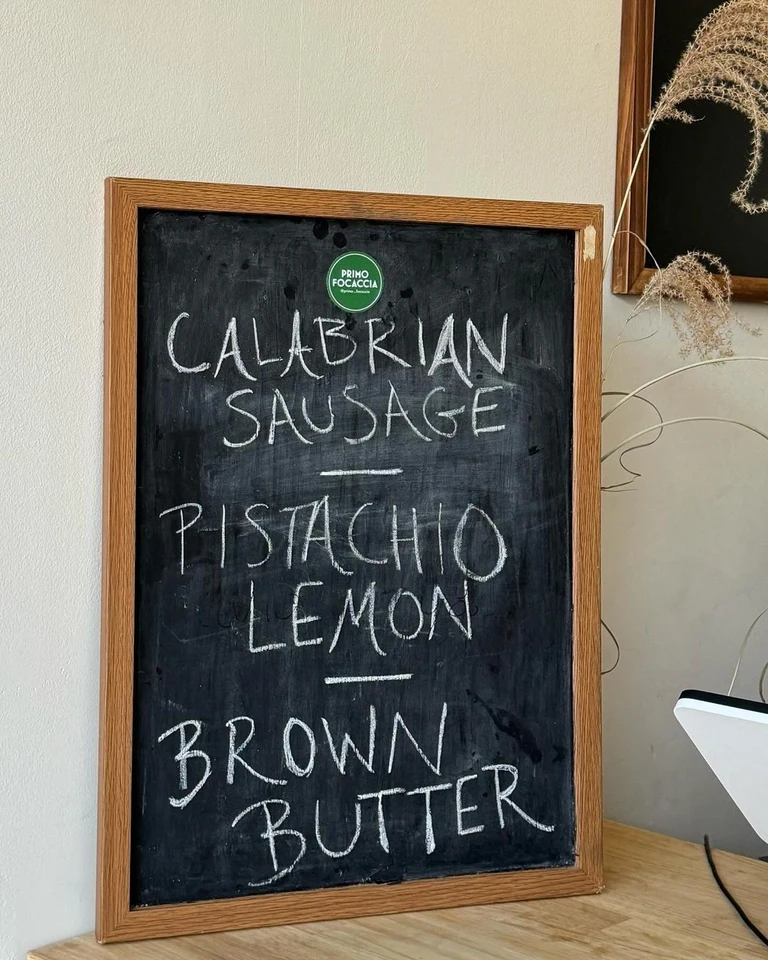
How to convert handwriting to text from a photo of notes, a whiteboard or a letter. What to expect, which tools can read it, and tips for a clean result.
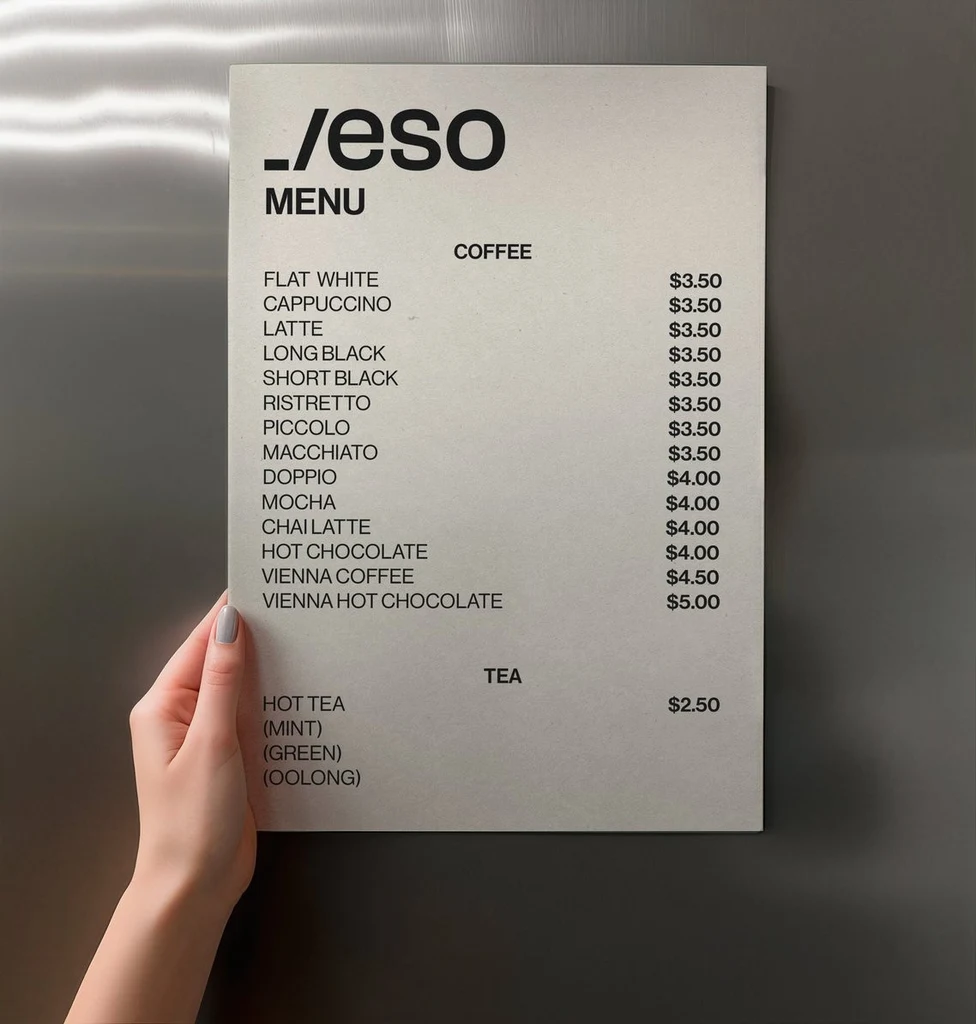
How to copy text from an image on iPhone, Android, Windows and Mac with built-in tools, plus a browser option. Steps, limits and tips for clean text.
How to remove text from an image six ways, from cropping to Photoshop, phone erasers and a text remover. See costs, limits and when each one fits.
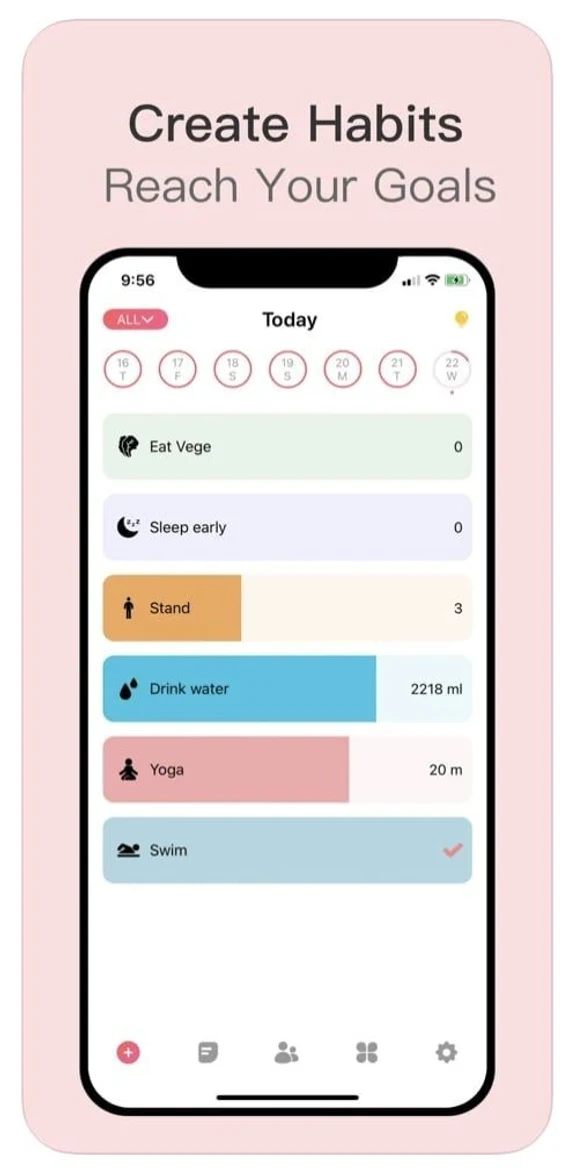
A practical guide to app store localization. Pick languages, adapt listing text and keywords, and localize screenshots for the App Store and Google Play.
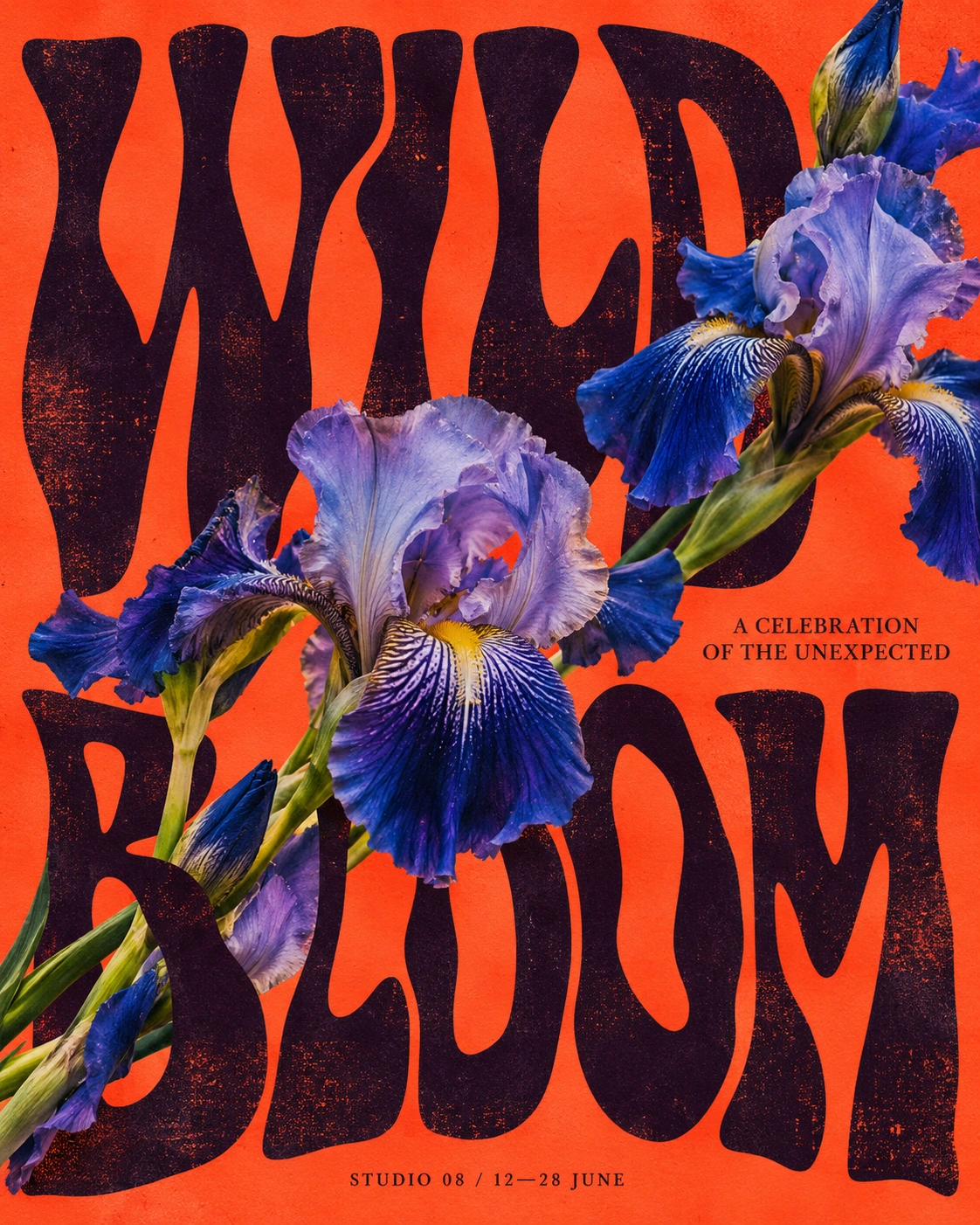
Ten tools that edit text in images compared by approach, cost and privacy, as of October 2026. EditText.ai publishes this guide and is one of them.
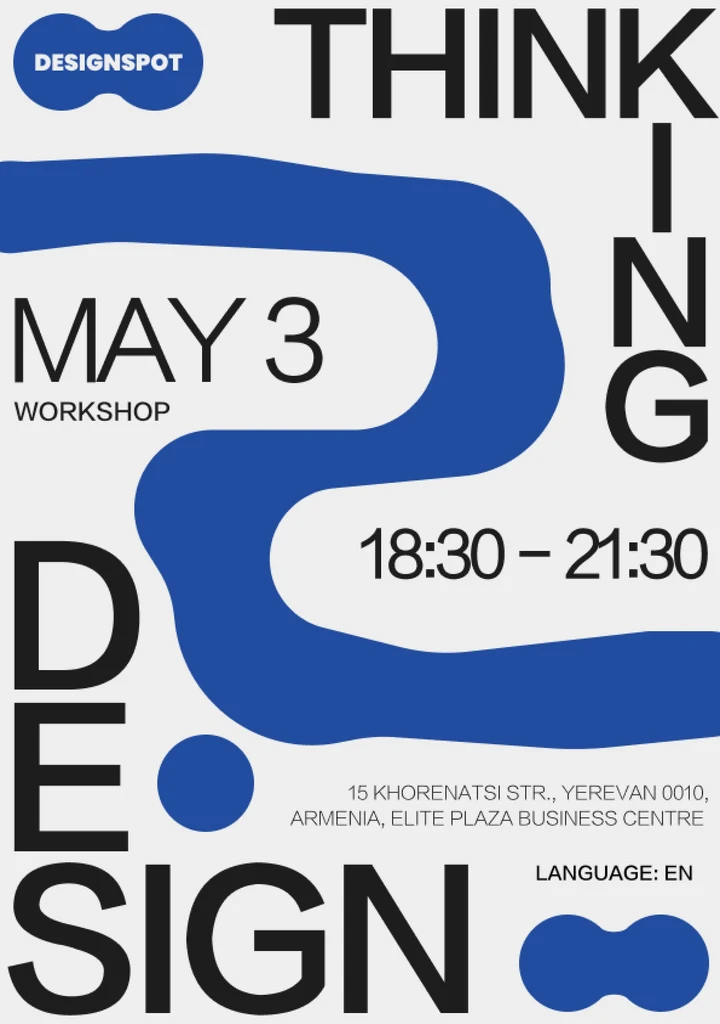
Can ChatGPT edit text in images? Yes, but it redraws the picture instead of editing letters. See how to try it, what to check and when to use another tool.
Can ChatGPT translate text in an image? It can read and translate a photo, but redrawing the image in a new language is a separate job. See what to expect.
Can Google Translate translate text in an image? Yes, on a phone or computer. Learn the steps, the limits, and what to use for a publishable image.

Can you edit text in a PNG or JPG? Yes. See what works for each format, how JPG compression and PNG transparency change an edit, and the steps.
How to edit text in an image four ways — AI text replacement, Photoshop or Photopea, Canva and phone apps — with steps, costs and honest trade-offs.
Edit text in an image in Photopea for free by removing the old words, typing new ones and exporting. See when an AI text tool saves time.
Edit text in an image in Photoshop by matching the font, removing the old words and typing new ones. See when an AI text tool is faster.
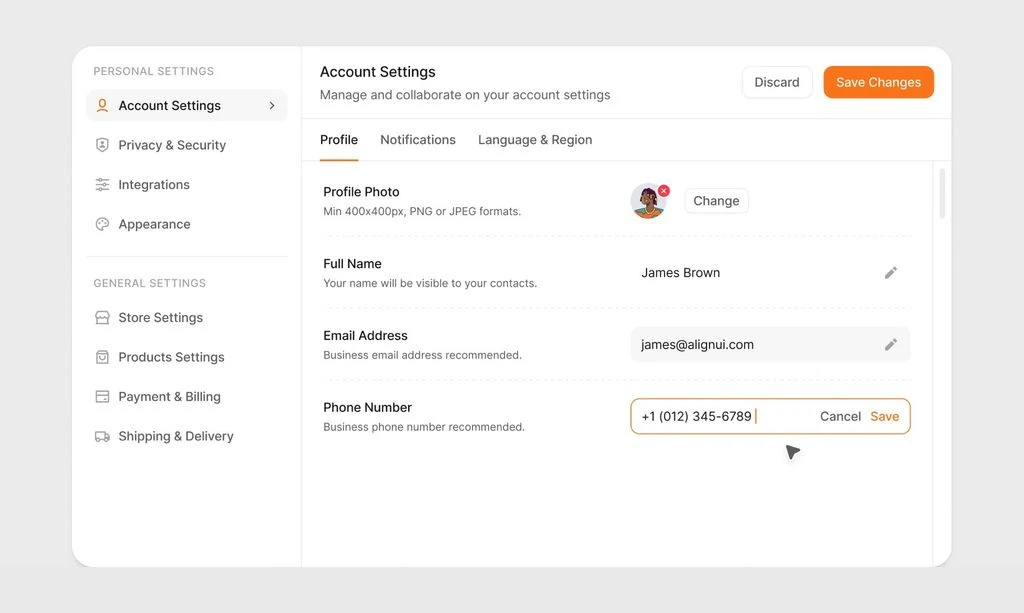
How to hide personal information in a screenshot before you share it. Crop first, cover details with a solid box, save a new copy and check it closely.

How to identify a font from an image — crop clear letters, use a font identifier or Photoshop's Match Font, and confirm by eye. Plus when to skip it.
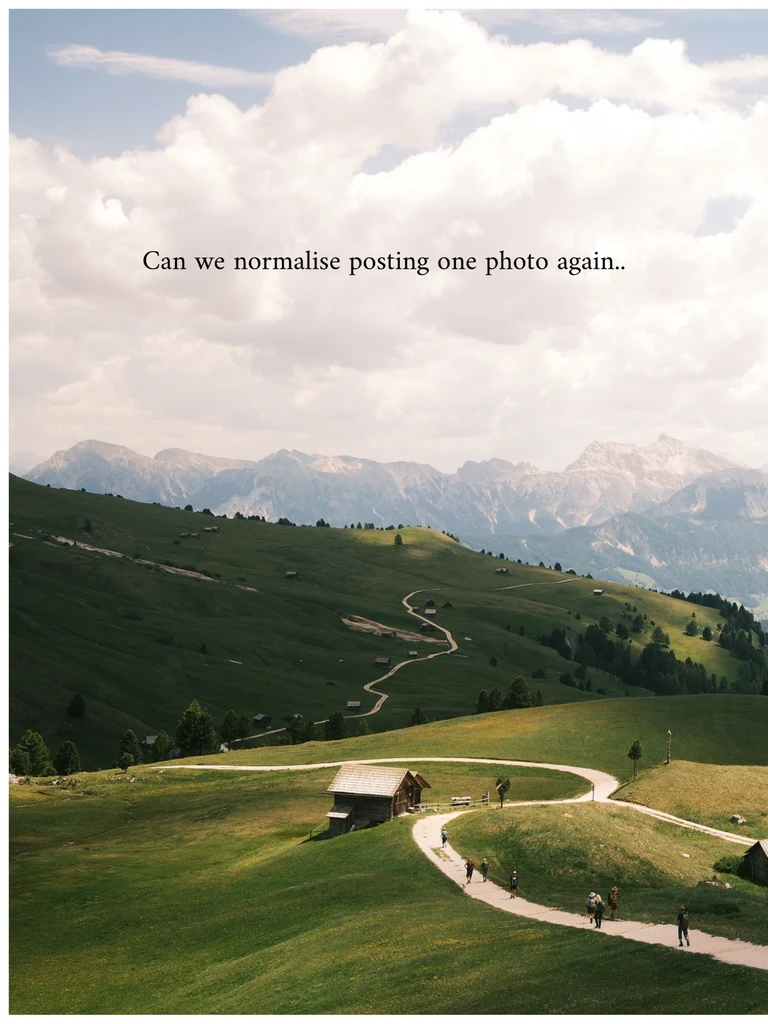
Learn how to remove text from a photo on iPhone or Android with Clean Up, Magic Eraser or Object eraser, and when a browser tool is the better fit.
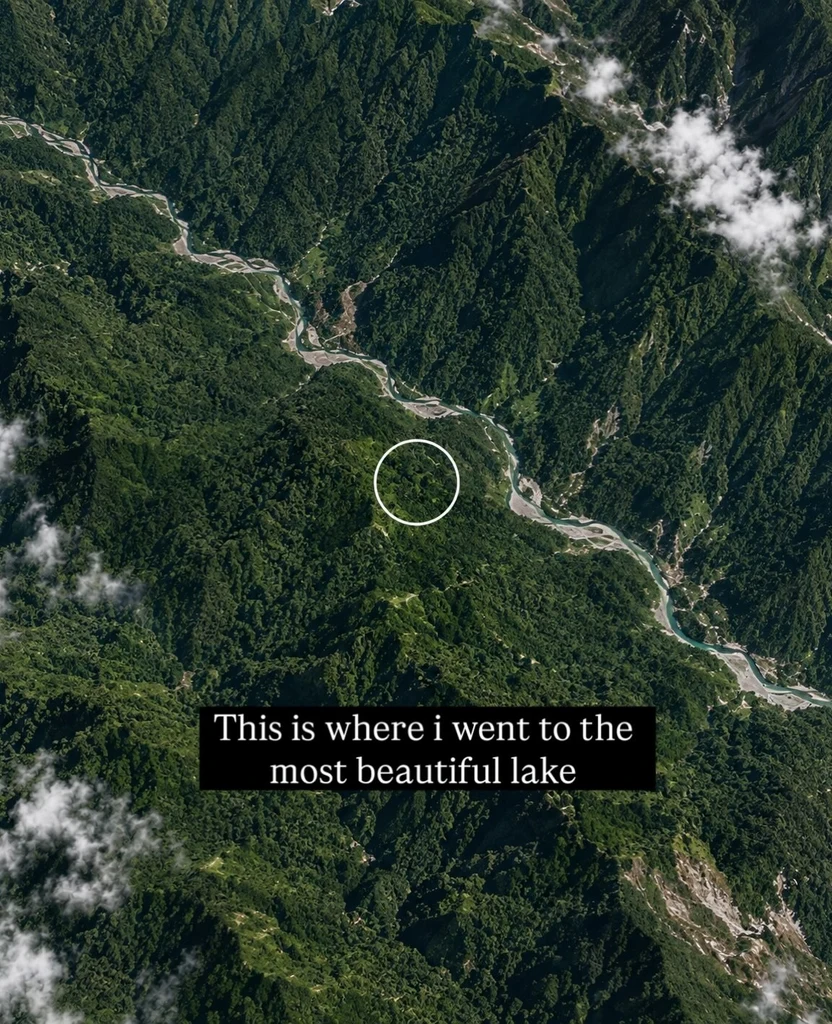
Remove text from an image in Canva with Magic Eraser or Grab Text, see what works on the free plan, and learn when another tool fits better.

Why can't AI image generators spell? They draw letters as shapes, not text. Learn what causes garbled words and practical ways to fix them in your images.
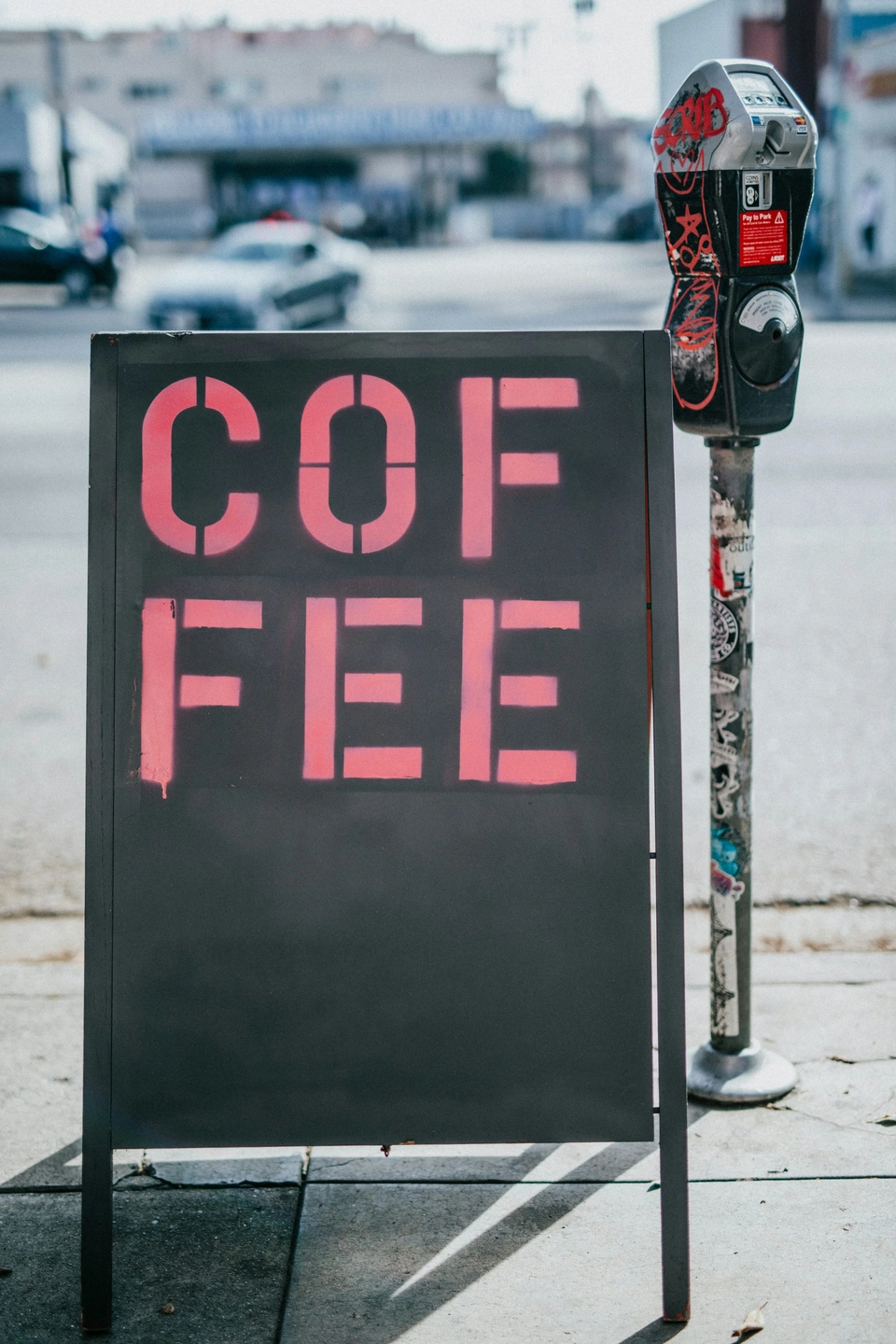
Why can't I edit text in Canva? Usually the words are part of an image, locked, or in a view-only design. Here is how to spot each cause and fix it.