Image to text converter
Upload image- Free, no credits needed
- Copy or download as .txt
- Your images stay private
No image?Try one of these
Text
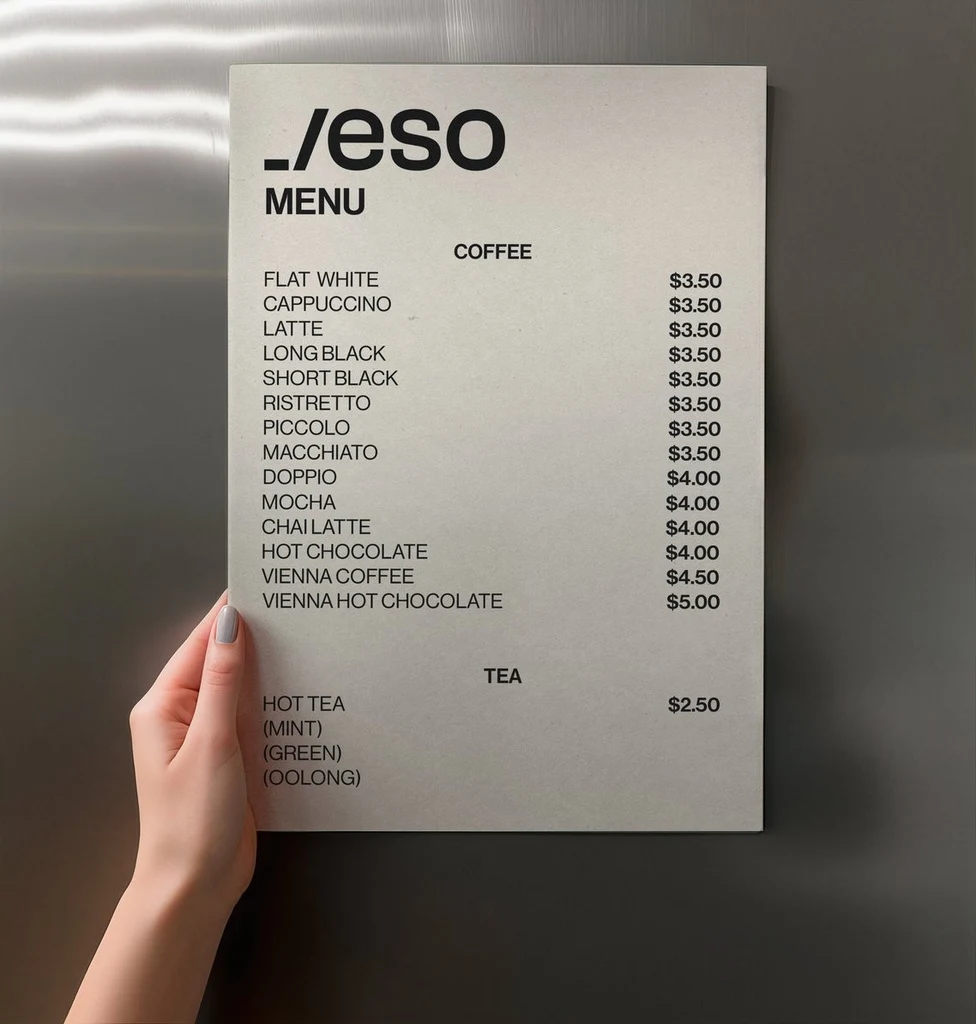
_/eso
MENU
COFFEE
FLAT WHITE	$3.50
CAPPUCCINO	$3.50
LATTE	$3.50
LONG BLACK	$3.50
SHORT BLACK	$3.50
RISTRETTO	$3.50
PICCOLO	$3.50
MACCHIATO	$3.50
DOPPIO	$4.00
MOCHA	$4.00
CHAI LATTE	$4.00
HOT CHOCOLATE	$4.00
VIENNA COFFEE	$4.50
VIENNA HOT CHOCOLATE	$5.00
TEA
HOT TEA	$2.50
(MINT)
(GREEN)
(OOLONG)See what it reads.
Each example shows an image and the text it gave back.
Text
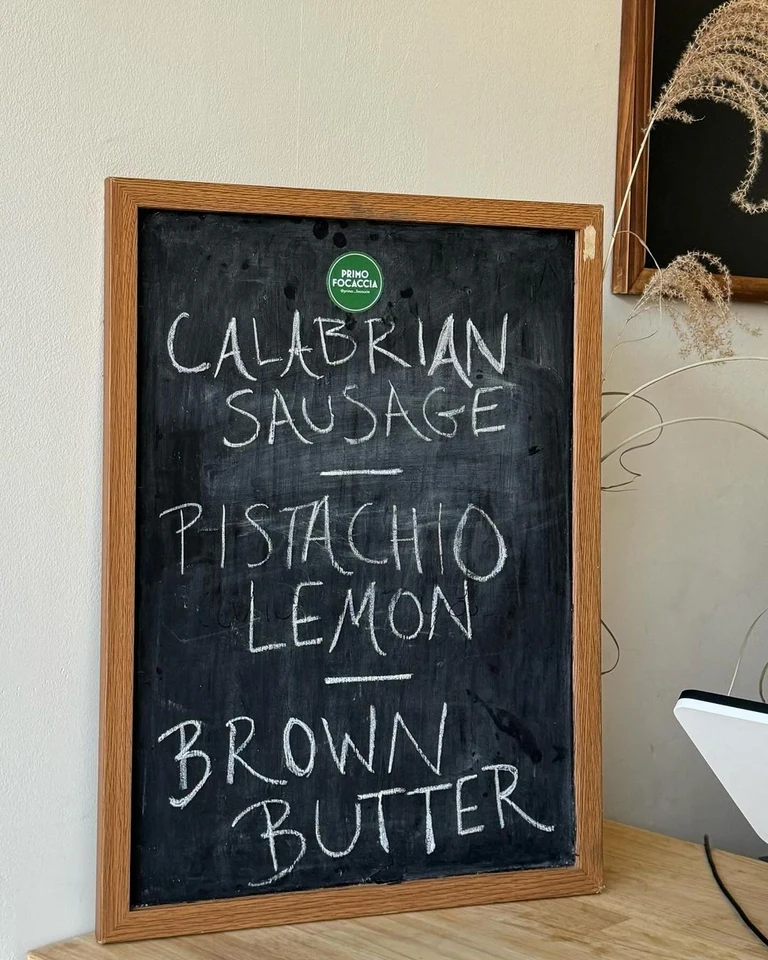
PRIMO FOCACCIA
CALABRIAN
SAUSAGE
PISTACHIO
LEMON
BROWN
BUTTERText
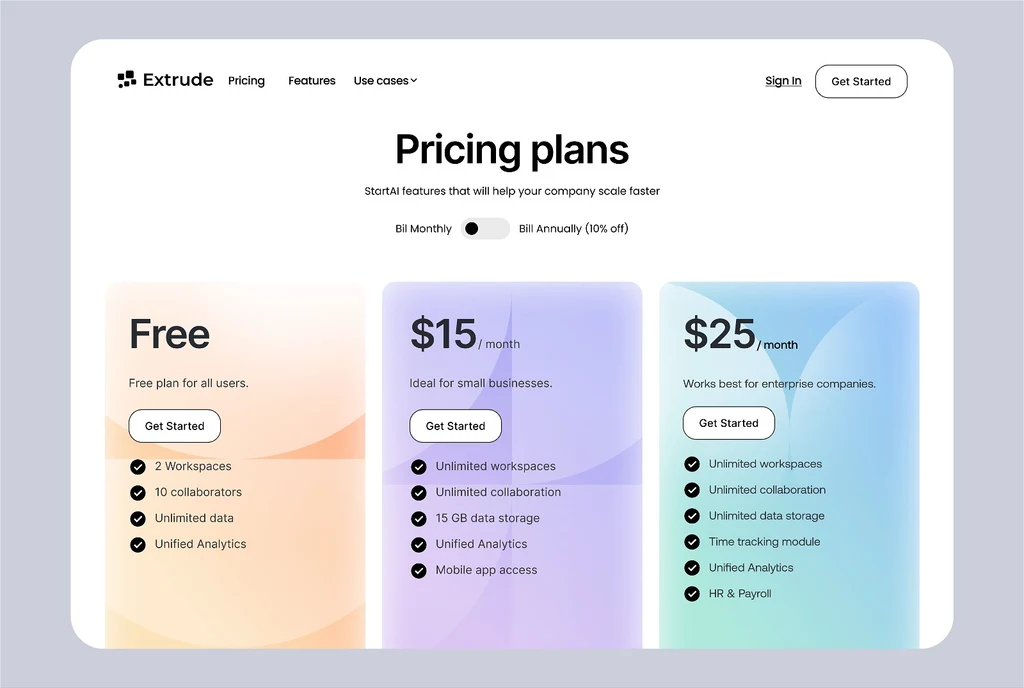
Extrude
Pricing
Features
Use cases
Sign In
Get Started
Pricing plans
StartAI features that will help your company scale faster
Bill Monthly
Bill Annually (10% off)
Free
Free plan for all users.
Get Started
2 Workspaces
10 collaborators
Unlimited data
Unified Analytics
$15/month
Ideal for small businesses.
Get Started
Unlimited workspaces
Unlimited collaboration
15 GB data storage
Unified Analytics
Mobile app access
$25/month
Works best for enterprise companies.
Get Started
Unlimited workspaces
Unlimited collaboration
Unlimited data storage
Time tracking module
Unified Analytics
HR & PayrollHow to convert an image to text
Three steps from upload to text you can paste.
Upload your image
Sign in with Google and upload a PNG, JPG or WebP up to 14 MiB: a photo, a screenshot, a scanned page or a handwritten note.
Read the text
The text appears beside your image in reading order, line by line, in the language it is written in. Nothing is translated or rewritten.
Copy or download
Copy all the text at once or one line at a time, or download it as a .txt file. To change the words in the image itself, open it in Edit text.
Popular uses
Pick the kind of image you are working with.
Other tools
Every tool opens in the same editor. Edits use credits; reading text is free.
Edit text in image
Change the words in a photo, poster or screenshot while the new text follows the original lettering.
Translate text in image
Turn the words in an image into one of 35 languages, written back in a matching style.
Remove text from image
Erase words from a photo or graphic and rebuild the background behind them.
Add text to photo
Write new words into a photo so they look printed, painted or lit on a surface in the scene.
PDF to text
Copy the text out of a PDF, including scanned pages, as plain text, at no cost.
Frequently asked questions
How do I convert an image to text?
Sign in with Google and upload the image. The text appears beside it, line by line, in reading order. Select Copy all to copy everything at once, copy a single line, or download the text as a .txt file to paste into a document, an email or a spreadsheet.
Is Image to text free?
Yes. Reading the text in an image uses no credits, with or without a plan; you only need to sign in with Google. Credits are only for changing the image itself: editing, translating or removing its text.
Can it read handwriting?
It reads clear handwriting, such as notes, chalkboard menus and labels written by hand. Faint, slanted or very messy writing can come back with mistakes or missing words, so compare the text with the image before you rely on it.
Which languages can it read?
It reads the text in the language it is written in, from English, Spanish and German to Japanese, Korean, Chinese, Thai and Russian, and keeps the original characters and accents. It does not translate; to put the words into another language inside the image, use Translate text.
Does it keep the layout of the text?
The text comes back in reading order, one line for each line in the image, with a blank line between separate blocks such as columns, paragraphs or signs. Fonts, colors and positions are not kept, because the result is plain text you can paste anywhere.
Which files can I upload, and are they private?
Upload a PNG, JPG or WebP image up to 14 MiB after signing in with Google. Your images and their text are private to your account. My images keeps each image, so you can open its text again later without reading it a second time.