Translate text in any image
Upload image- Try it free
- Translate into 35 languages
- Your images stay private
No image?Try one of these
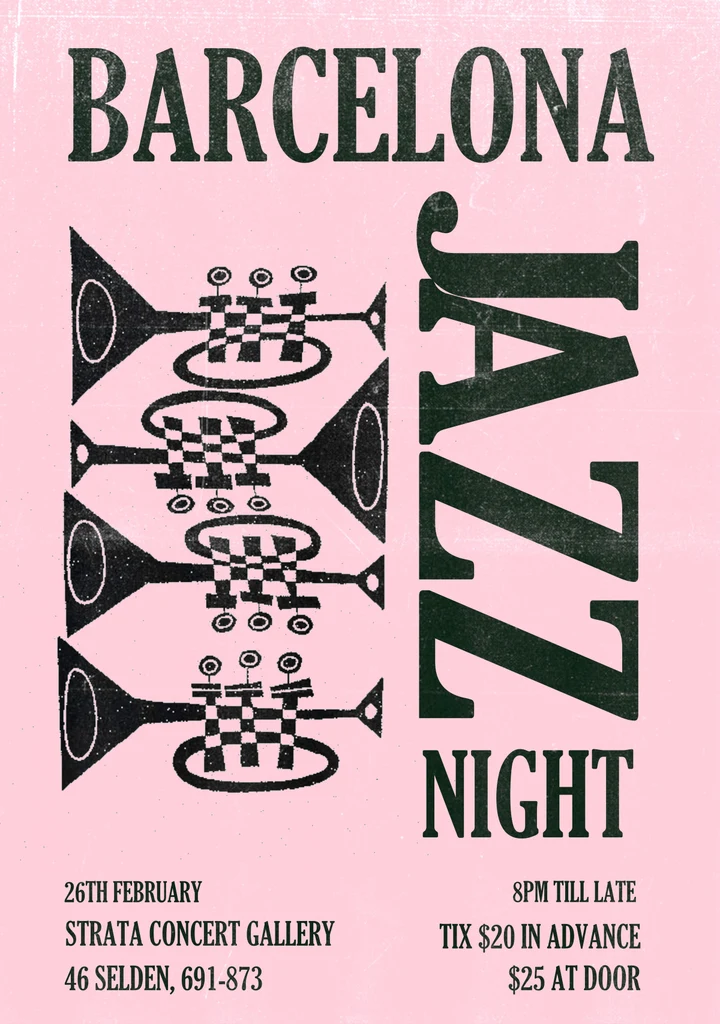
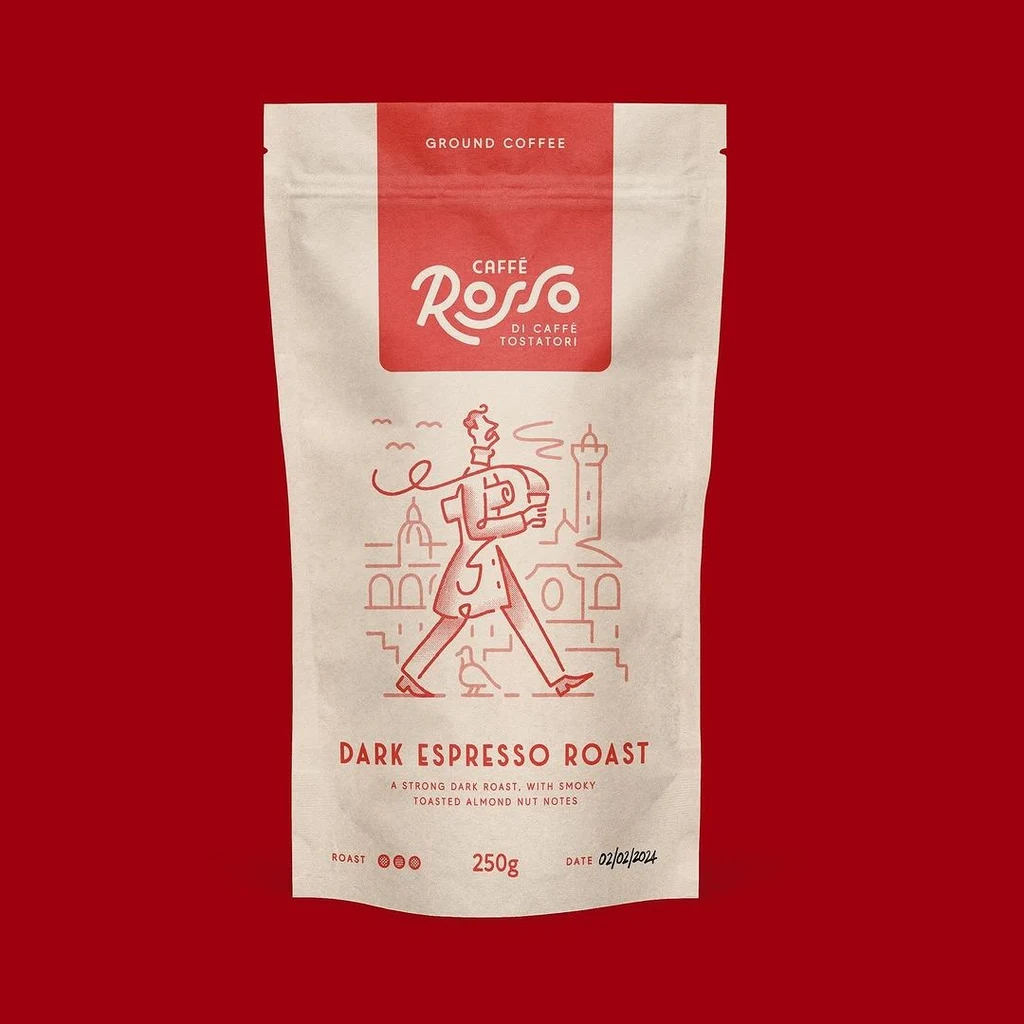
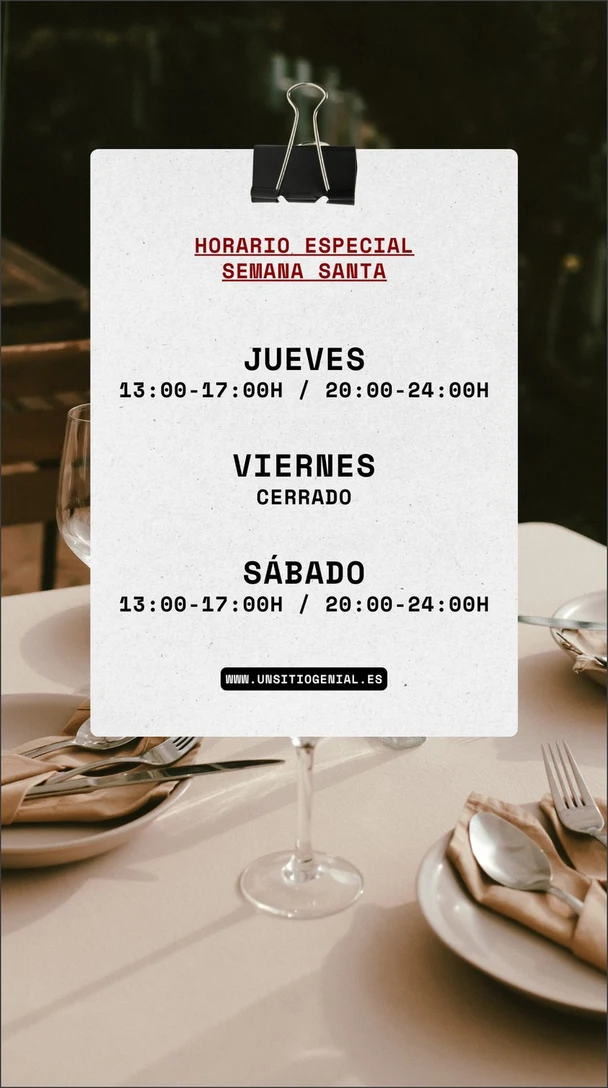
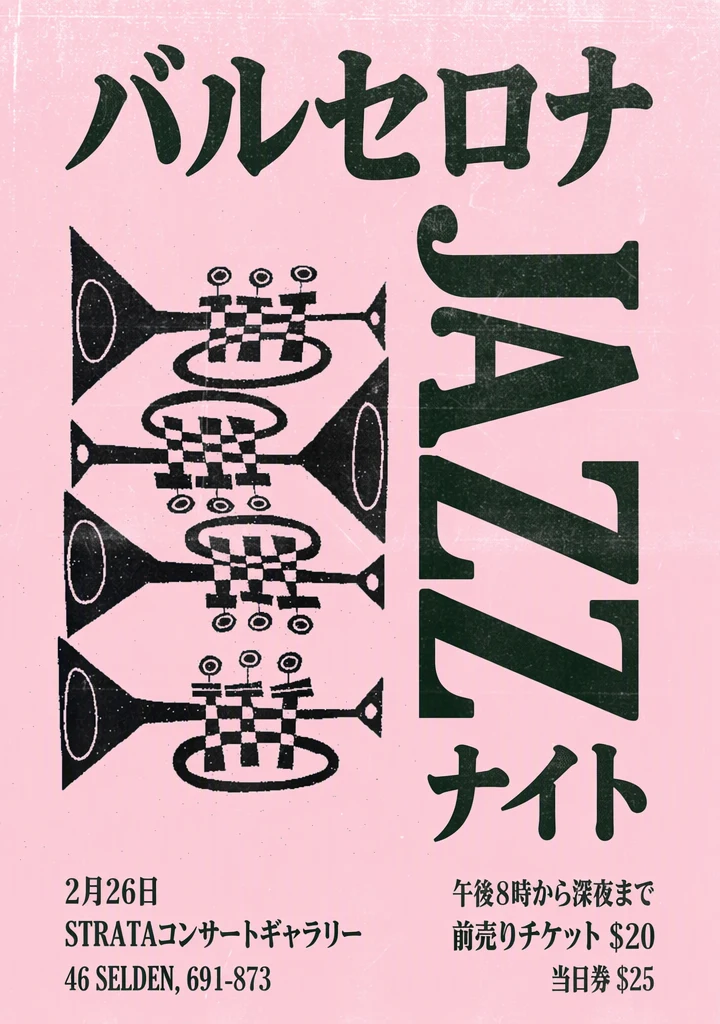 BeforeAfter
See what you can translate.
Drag to compare the original and edited image.
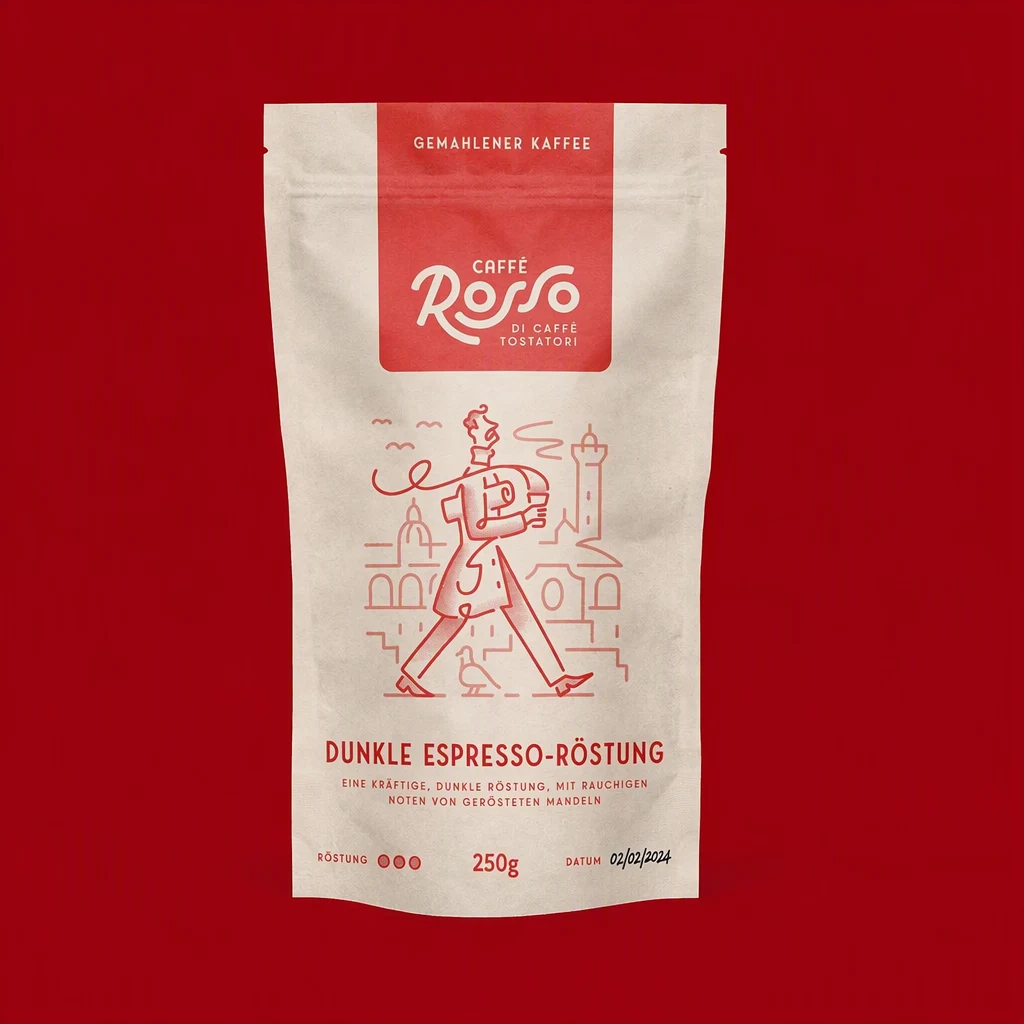
Coffee pouch translated from English into German. The longer German text still fits the label.
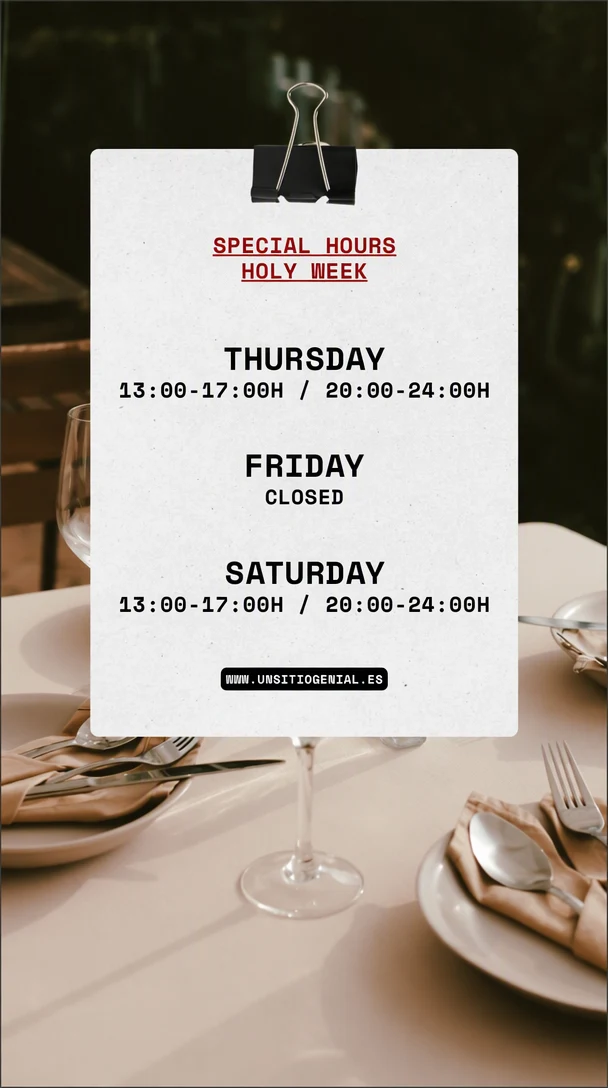
Spanish holiday-hours notice translated into English. The times and the web address are kept.
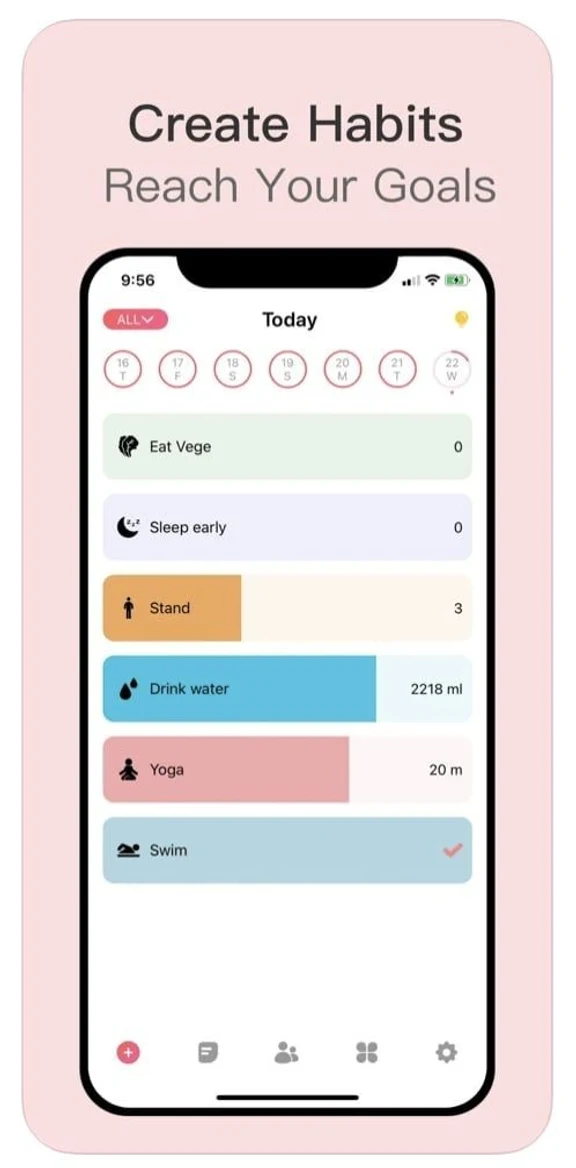
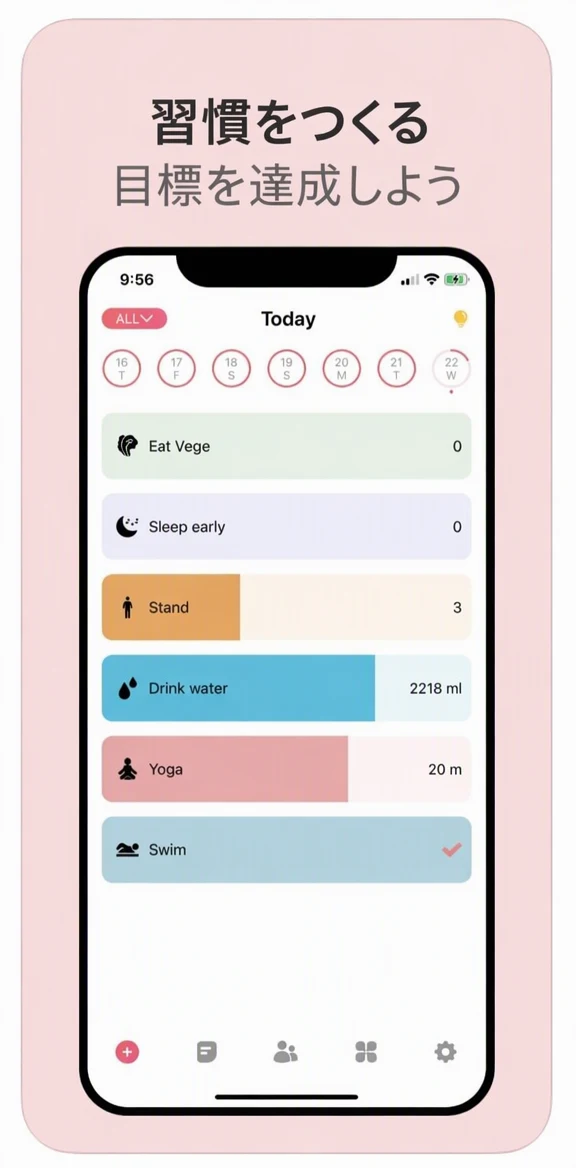
App Store caption translated into Japanese. The app screen stays in English.

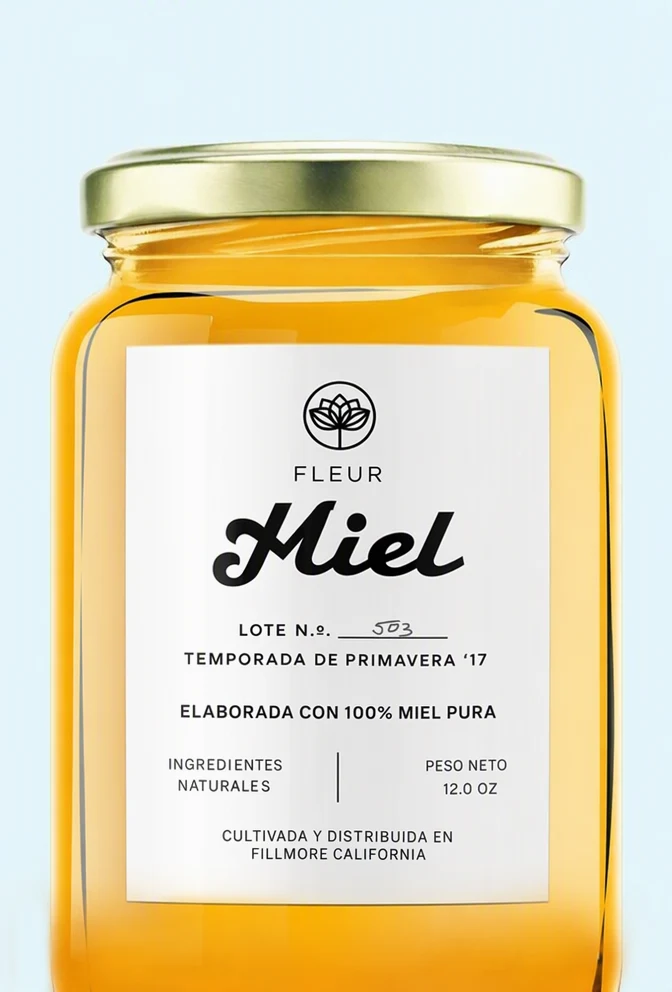
Honey jar label translated into Spanish. The new words follow the curve of the jar.


Home-decor ad translated into French. The web address stays as written.
How to translate text in an image
Three steps from upload to a translated image.
Upload your image
Sign in with Google and upload a PNG, JPG or WebP up to 14 MiB. Text detection finds the words automatically; add any line it missed, such as small or handwritten text.
Choose a language
Pick one of 35 languages. Everything the text detection found is translated, or turn off Translate all text to choose the lines yourself, fix a misread line or add one that was missed.
Translate and download
At 1K, translate the image as a Standard edit for 1 credit, or in High quality for 2 credits when the lettering is detailed; for 2K or 4K, the button shows the total. The AI writes each translation in place of the original text, in a matching style. Compare, then download a PNG; your original stays saved in My images.
Popular uses
Pick the kind of image you are working with.
Translate product images
Localize the text on listing images and packaging shots for new marketplaces.
Translate App Store screenshots
Translate the captions on App Store and Google Play screenshots for each market.
Translate a poster
Put a poster or flyer into another language and keep its layout and lettering.
Other tools
All three tools use the same editor and the same credits.
Frequently asked questions
Can I translate the text in an image and keep the design?
Yes. The AI replaces each line with its translation in the same place and keeps its color, size and position, so there is no font to pick. When the new language uses another script, such as Japanese or Korean, it uses the closest matching style. Details close to the text can change, and results vary with unusual lettering or busy backgrounds, so check the finished image before you use it.
Which languages can I translate into?
You can translate into any of the 35 languages EditText.ai supports, including Japanese, Korean, Simplified and Traditional Chinese, Spanish, Portuguese, French, German, Italian and Indonesian. Each language is listed under its own name, such as 日本語 or Deutsch. Text detection reads the original words first; turn off Translate all text to correct a line it misread.
What if the translation is longer than the original?
Some languages need more room: German and Russian, for example, often run longer than English. The AI fits each translation inside the area of the original text, using a smaller size or an extra line break where needed, so a long line can come out smaller than the original. Compare the result with the original before you download it.
Are names, prices and web addresses translated?
They are kept as written wherever possible. Lines made only of prices, numbers, web addresses, email addresses or social handles are passed to the AI as text to keep, and it is told to copy them exactly inside other lines too. It is also asked to keep brand and personal names, so check them in the result. To keep a whole line in its original language, turn off Translate all text and untick it.
How much does it cost to translate an image?
Translating an image is a normal edit: 1 credit for Standard, or 2 credits for High quality, at 1K. High quality suits detailed lettering and busy backgrounds. With a plan, a 2K edit uses 2 credits or 5 credits and a 4K edit 3 credits or 7 credits. Every account includes one free Standard edit with a watermark. Plans cost $9, $29 or $49 a month for 10, 35 or 60 credits.
What if some of the text is not detected?
Text detection runs as soon as you upload, but it can miss small, blurry or handwritten text, and text that is not listed stays as it is. Turn off Translate all text to see the list, then fix a misread line or add a missing one. You can upload PNG, JPG or WebP images up to 14 MiB; results download as PNG files and stay in My images.