Change text on a poster or flyer
Event organizers, venues, performers and designers can change text on a poster or flyer without rebuilding the artwork. Update the date, venue, prices or lineup, or turn last season's design into the poster for your next event.
Or drop an image here. PNG, JPG or WebP, up to 14 MiB.
Your image stays on this device until you sign in.
Sign in with Google to upload. Your first Standard edit is free and includes a watermark.
Examples
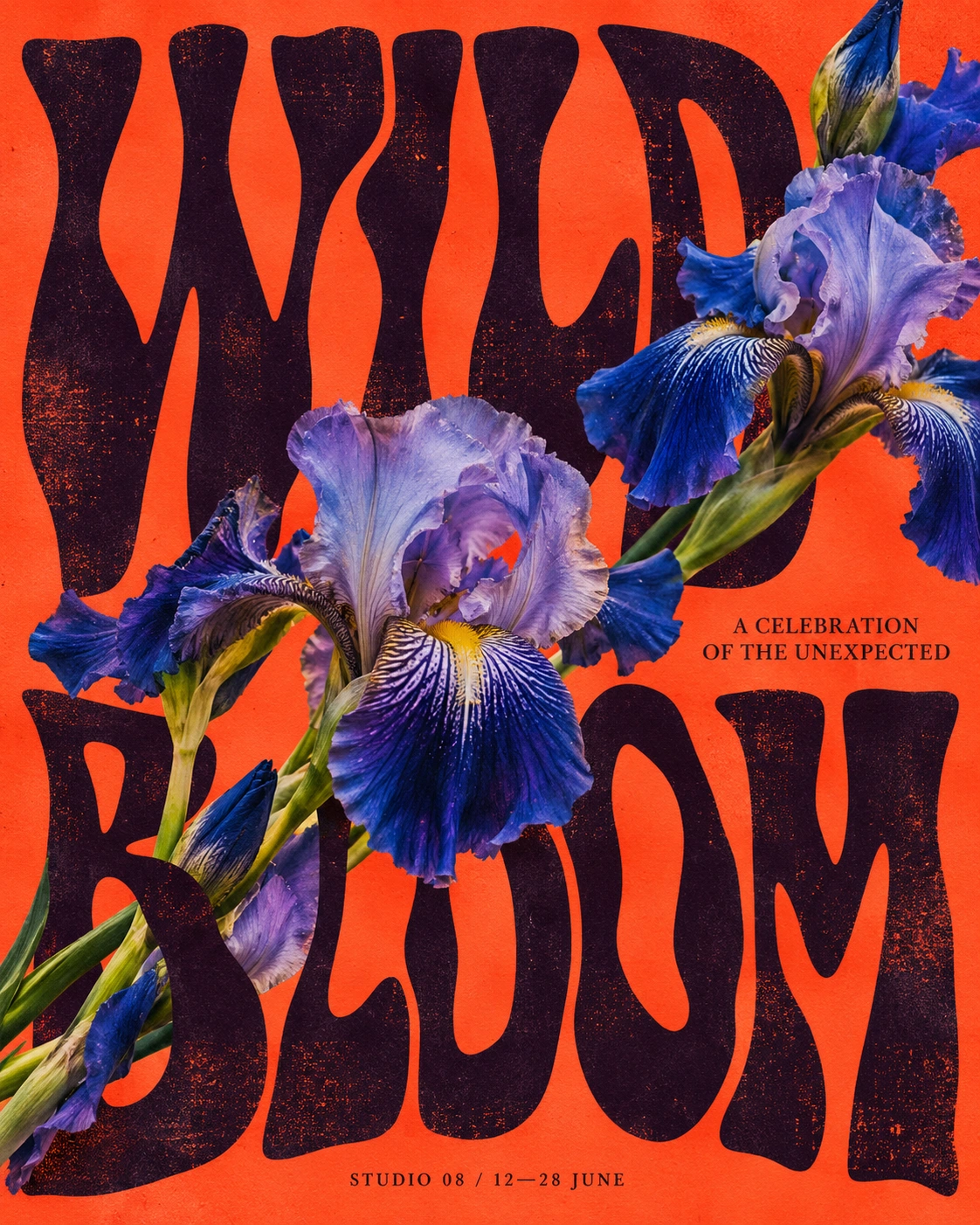
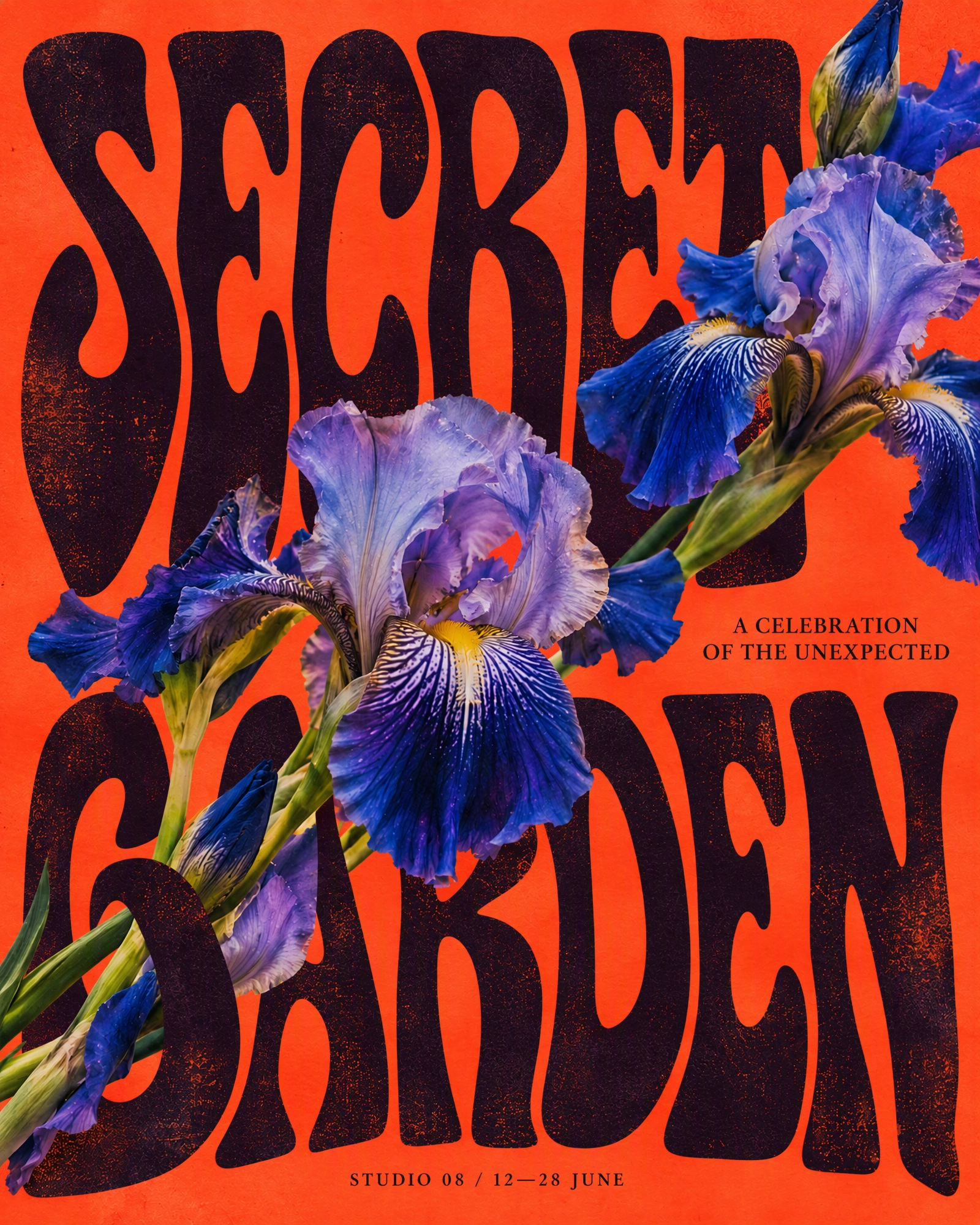
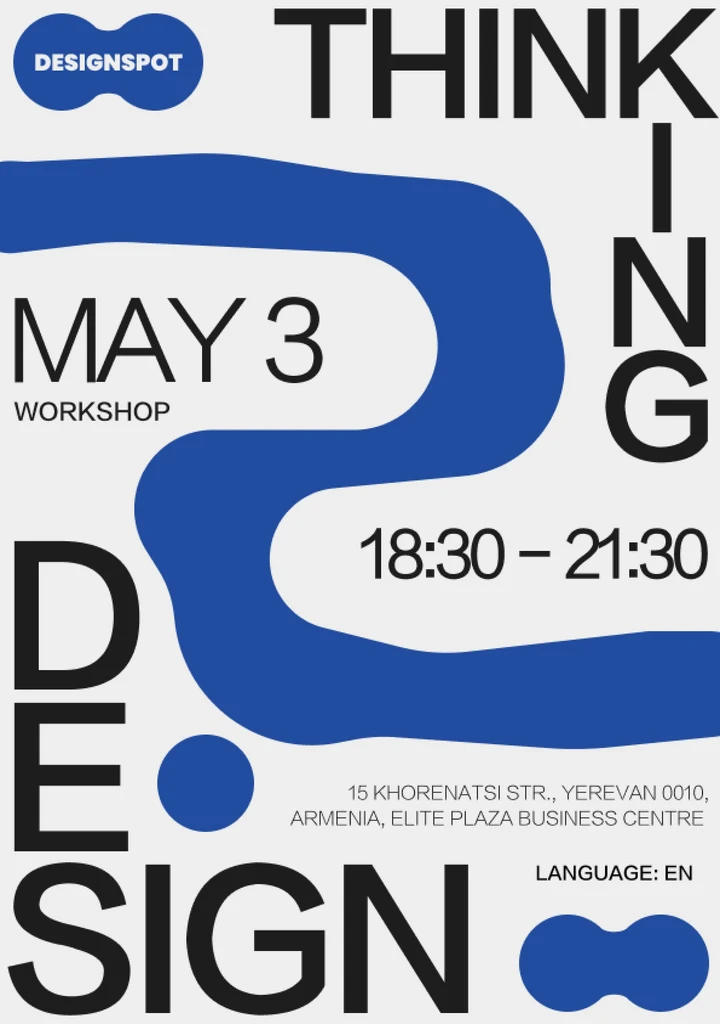
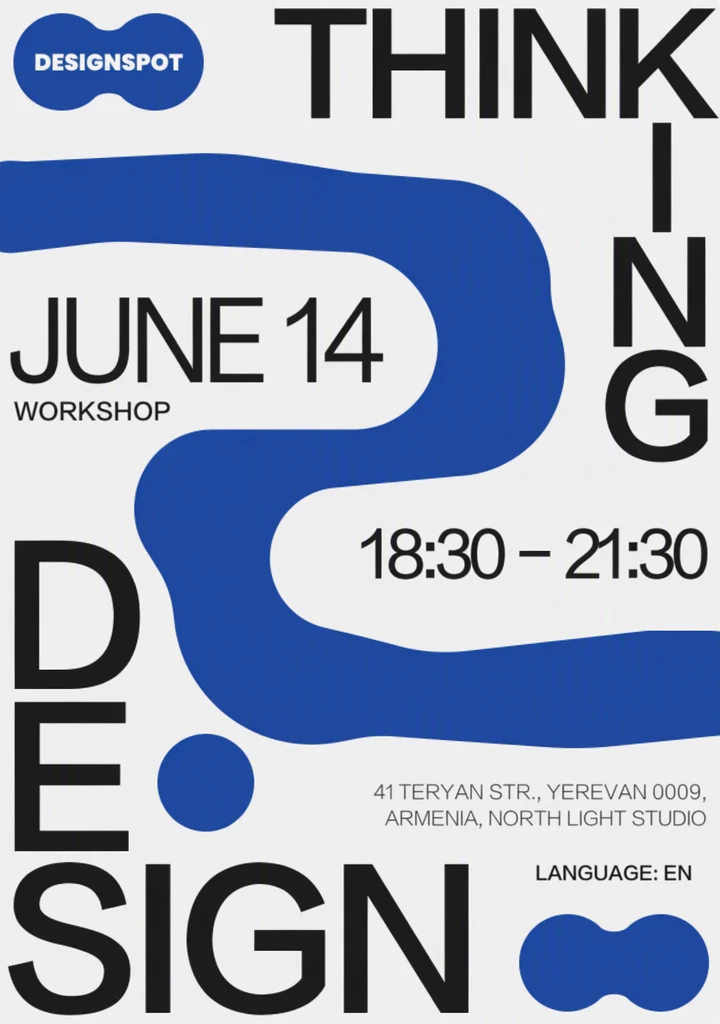
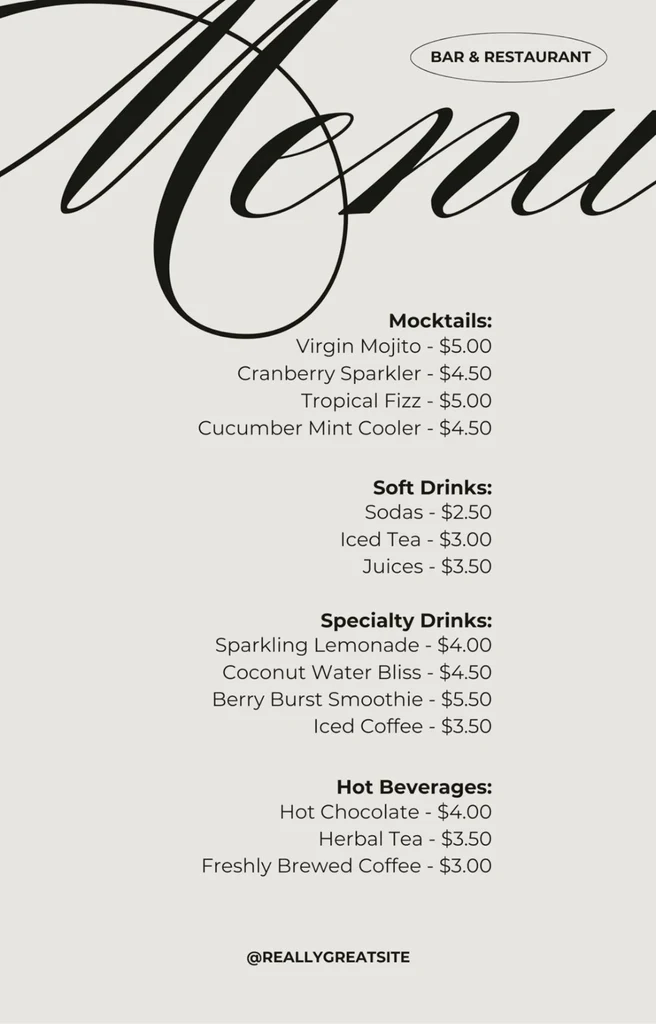
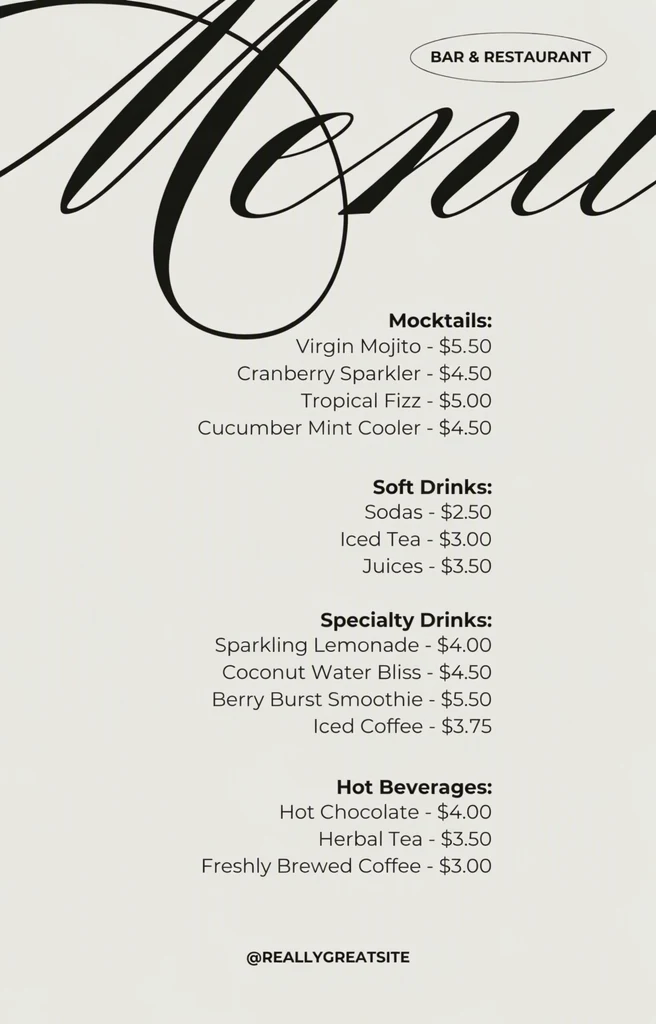
How it works
Use the artwork file if you have it
When you can, upload the design as it was exported for print or social media. The edit starts from the pixels you upload, so a sharp, flat file gives the AI the most to work with.
Change every detail in one edit
Every line the AI detects on the poster gets its own Original entry. Type the new date, time, venue, prices and names into their Replacement fields, and leave lines that stay the same untouched.
Match the quality to the lettering
Standard suits clean, simple type. Choose High quality for distressed, hand-drawn, outlined or textured display lettering and for small print such as addresses, then select Apply changes.
Look at the headline first
Use the comparison slider on the headline first, then on each changed line of small print. Look closely wherever illustrations or photos overlap the letters.
Proofread before you print
Check every changed line against your event details, including the day of the week, then download the PNG and print one test copy before you order the full run.
What usually changes from one event to the next
Most event posters change in the same places each time: the date, the times, the venue and the prices, plus the names of performers or speakers. You can change all of these in the same edit and keep the headline and artwork when they still suit the new event.
A recurring event, such as a monthly club night, a weekly market or an annual festival, can keep one recognizable design for years. Change text on the poster from the last edition instead of redesigning it, and keep a record of the exact wording you used so each new version stays consistent.
- Date, day of the week and year
- Door opening and start times
- Venue name, room and address
- Entry prices, including any advance price
- Names of performers, speakers or hosts
- Web address or social media account name
Large display lettering
Headlines are usually the most demanding text on a poster: distressed, wavy, outlined, hand-drawn or filled with a texture. The poster itself guides the lettering of the new words, so there is no font to find, but High quality is the better starting point for this kind of type. Results can vary, so look at the edges and texture of every letter.
Length matters most in a headline. A new title with a similar number of letters and lines keeps the composition balanced, while a much longer one may be squeezed or crowd the artwork around it. When the new event needs more space, an extra line or a different layout, make that change in the original design file.
Where illustrations, people or objects overlap the letters, check that they still sit in front of the new words and are still complete. Artwork right next to the letters can change along with them, so also make sure no part of an old letter shows through.
Proofread before it goes to print
Once a poster is printed and on the wall, a wrong digit means a reprint, so read the result against your event details rather than against the old poster.
If the same design exists as a print poster, a square social post and a vertical version, edit each file and compare the wording side by side before you share any of them.
- The day of the week matches the date in the year of the event.
- Times follow the same format as the rest of the poster, such as 7 p.m. or 19:00.
- Venue, street and performer names are spelled correctly, including accents, and match how the venue and performers write them.
- Prices show the right currency symbol and match your booking page.
- Any QR code still scans and leads to the right page. Editing the text does not update where it points, and a code that sits next to changed text should be tested again.
Frequently asked questions
Can I edit a photo of a printed poster on a wall?
Yes, but expect more variation than with the original artwork. Letters photographed at an angle, on creased paper or under glare are harder to detect and to match. Take the photo straight on in even light, crop away the wall around the poster and choose High quality. If you designed the poster, a fresh export from your design file is a cleaner starting point.
Will the edited poster be sharp enough to print?
Check before you order prints. Open the downloaded PNG, note its width and height in pixels, and compare them with what your printer asks for at your poster size. Then print one test copy at full size and read the changed lines closely. If the file is too small for a large format, use it as a proof and build the final print file in your design software.
Why is one line of my poster missing from the list?
Small print, text set vertically or at an angle, and words that follow a curve are more likely to be missed or misread. Enter the missing words with Add text, spelled exactly as they appear on the poster, then type the replacement beside them. If a detected line has one wrong letter, correct its Original entry before you apply the change.
Can I take a line off the poster, such as a canceled act?
Yes. Leave that line's Replacement field blank, and the surrounding design guides how the space is filled. Then look at the overall balance, because a gap can make a centered layout look uneven. If the empty space looks wrong, putting something useful in that line instead, such as the next date or a web address, can keep the composition intact.
Can I edit a flyer that is saved as a PDF?
Not directly. Uploads accept PNG, JPG or WebP images up to 14 MiB, so export the flyer page as an image first, as large as that limit allows. For a two-sided or multi-page flyer, export and edit each page separately, then put the edited PNG files back together in your layout or PDF software before you print.
Try it on your own image
Or drop an image here. PNG, JPG or WebP, up to 14 MiB.
Your image stays on this device until you sign in.
Sign in with Google to upload. Your first Standard edit is free and includes a watermark.