Image to Excel converter
Upload image- Free, no credits needed
- Download .xlsx or .csv
- Your images stay private
No image?Try one of these
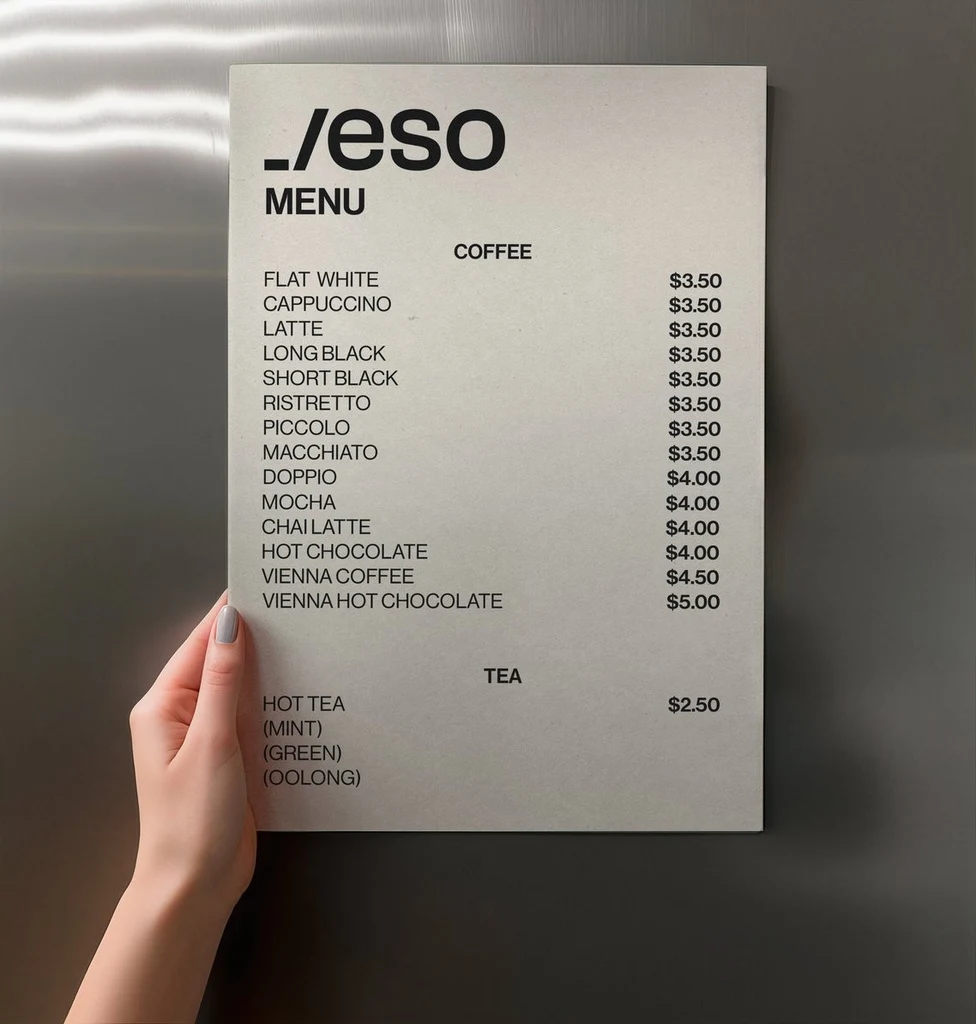
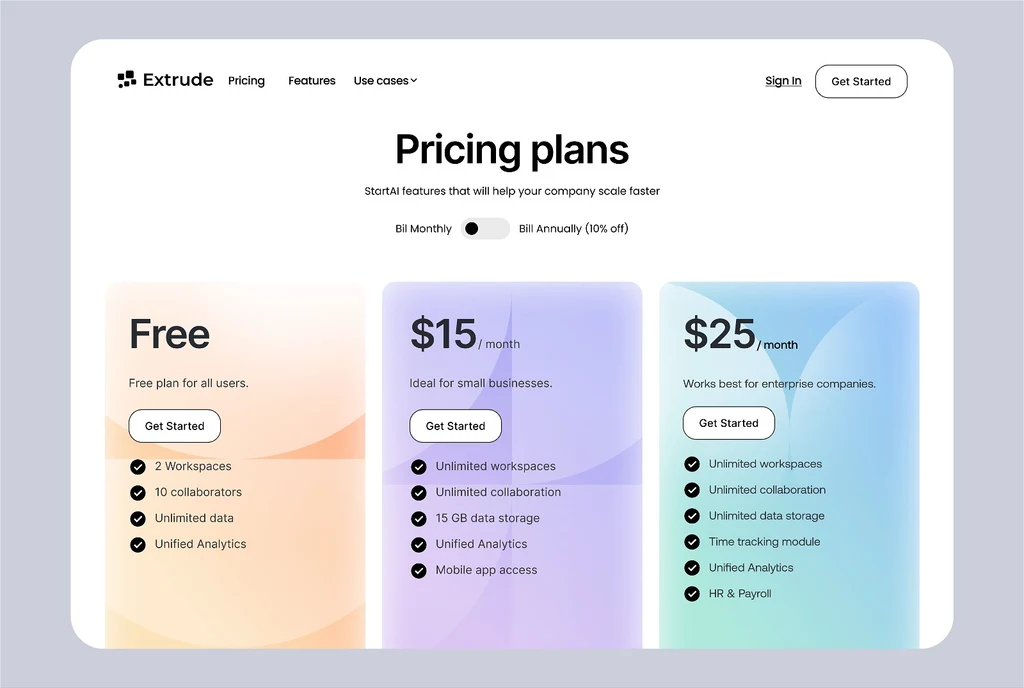
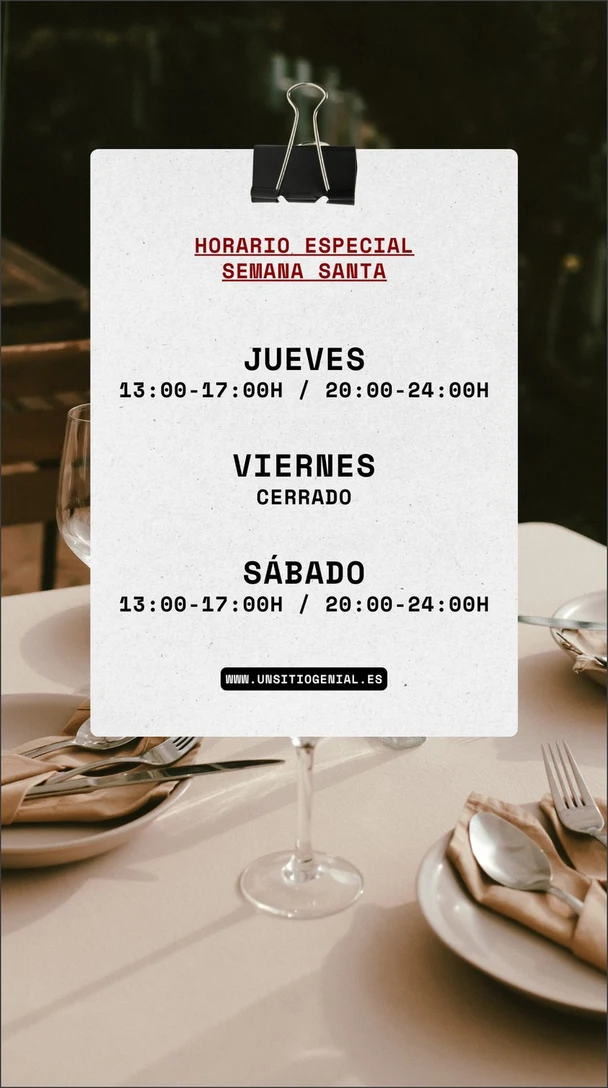
How to convert an image to Excel
Three steps from a photo of a table to a spreadsheet.
Upload your image
Sign in with Google and upload a PNG, JPG or WebP up to 14 MiB: a photo of a printed table, a screenshot of a spreadsheet or a price list, or a scanned page.
Check the grid
The table appears beside your image as a grid, one row for each row of the image, with empty cells kept so the columns line up. Compare it with the image, numbers first.
Download or copy
Download the table as an .xlsx file for Excel, Numbers or Google Sheets, or as a .csv file, or copy it and paste it straight into a sheet.
Popular uses
Pick the kind of image you are working with.
Other tools
Every tool opens in the same editor. Edits use credits; reading text is free.
Edit text in image
Change the words in a photo, poster or screenshot while the new text follows the original lettering.
Translate text in image
Turn the words in an image into one of 35 languages, written back in a matching style.
Remove text from image
Erase words from a photo or graphic and rebuild the background behind them.
Add text to photo
Write new words into a photo so they look printed, painted or lit on a surface in the scene.
Image to text
Copy the words out of a photo, screenshot or scan as plain text, at no cost.
PDF to text
Copy the text out of a PDF, including scanned pages, as plain text, at no cost.
Image to Word
Turn the text in a photo, screenshot or scan into a Word document, at no cost.
Alt text generator
Get a short and a long alt text for any image, in 35 languages, at no cost.
Frequently asked questions
How do I convert an image to Excel?
Sign in with Google and upload a photo, screenshot or scan of a table. The table appears as a grid beside your image. Check it against the image, then download an .xlsx or .csv file, or copy the grid and paste it into a spreadsheet.
Is Image to Excel free?
Yes. Reading a table uses no credits, with or without a plan; you only need to sign in with Google. Credits are only for changing the image itself: editing, translating or removing its text.
Does it keep numbers, dates and leading zeros as written?
Every cell is copied as it is written. In the .xlsx file, plain numbers such as 12, 3.50 and -4 become numbers, and 3.50 still shows both decimals. Everything else stays text, so nothing changes: values with a currency sign, a percent sign or a thousands separator, dates, codes with a leading zero, and whole numbers of ten or more digits, such as phone numbers. Excel applies its own rules when it opens a .csv file, so use the .xlsx file when that matters. In a .csv file and in copied text, a text value that starts with =, +, - or @ gets an apostrophe in front, so it can never run as a formula.
Does it keep formulas, merged cells or formatting?
No. You get the text and numbers of the table, one cell for each cell in the image. Formulas, merged cells, colors, borders and fonts are not recreated, and the text of a merged cell goes in its first cell. Format the sheet in your own spreadsheet app.
What kinds of tables work best?
Sharp, straight photos and screenshots of tables with clear rows and columns work best, such as price lists, timetables, schedules and tables in a report or a textbook. Faint, curved or very small text can come back with mistakes or missing cells, so compare the grid with the image before you rely on it.
Which files can I upload, and are they private?
Upload a PNG, JPG or WebP image up to 14 MiB after signing in with Google. Your images and their tables are private to your account. My images keeps each image, so you can open its table again later without reading it a second time.