Edit text in any image
Upload imageDrag and drop an image, or paste an image URL.
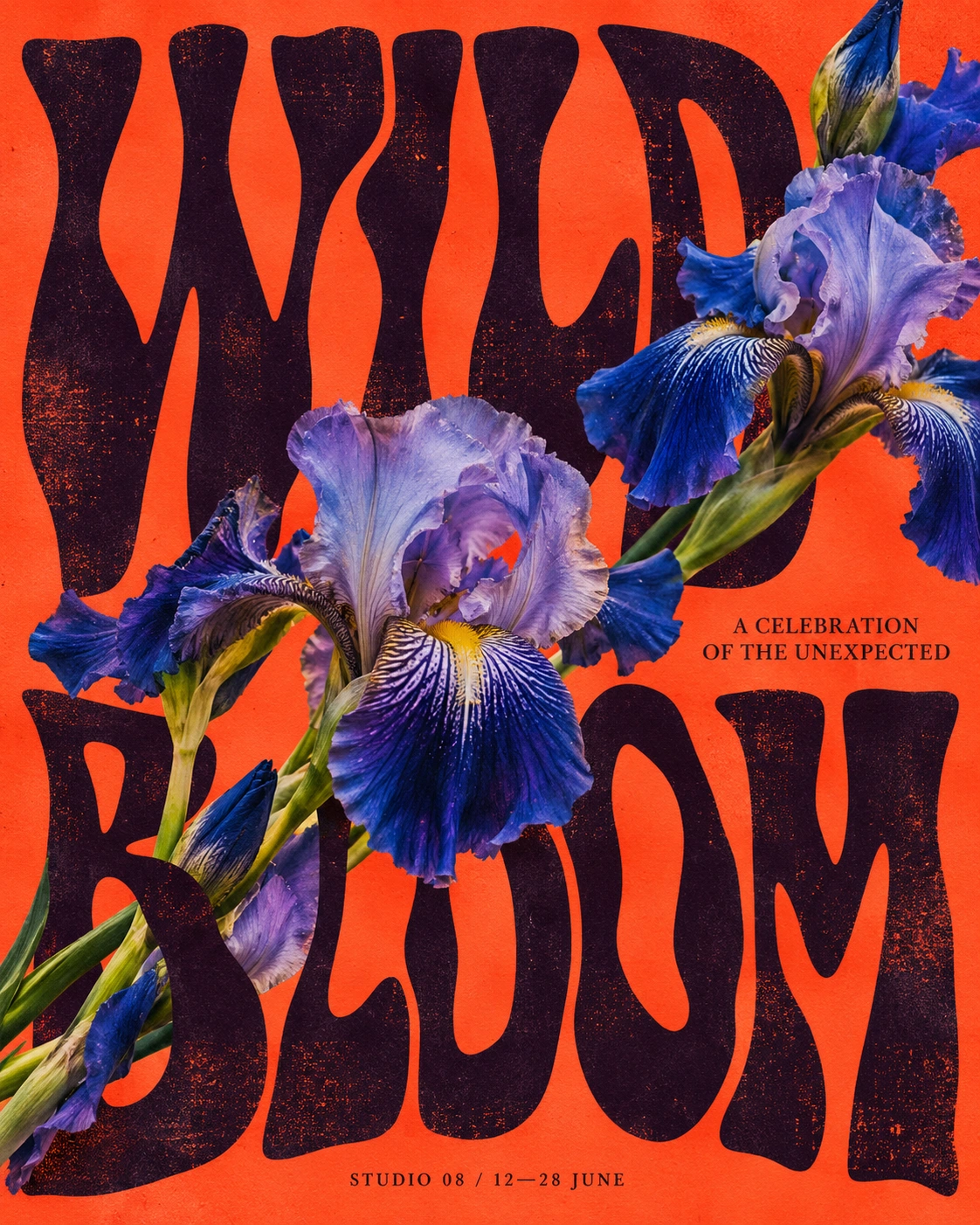
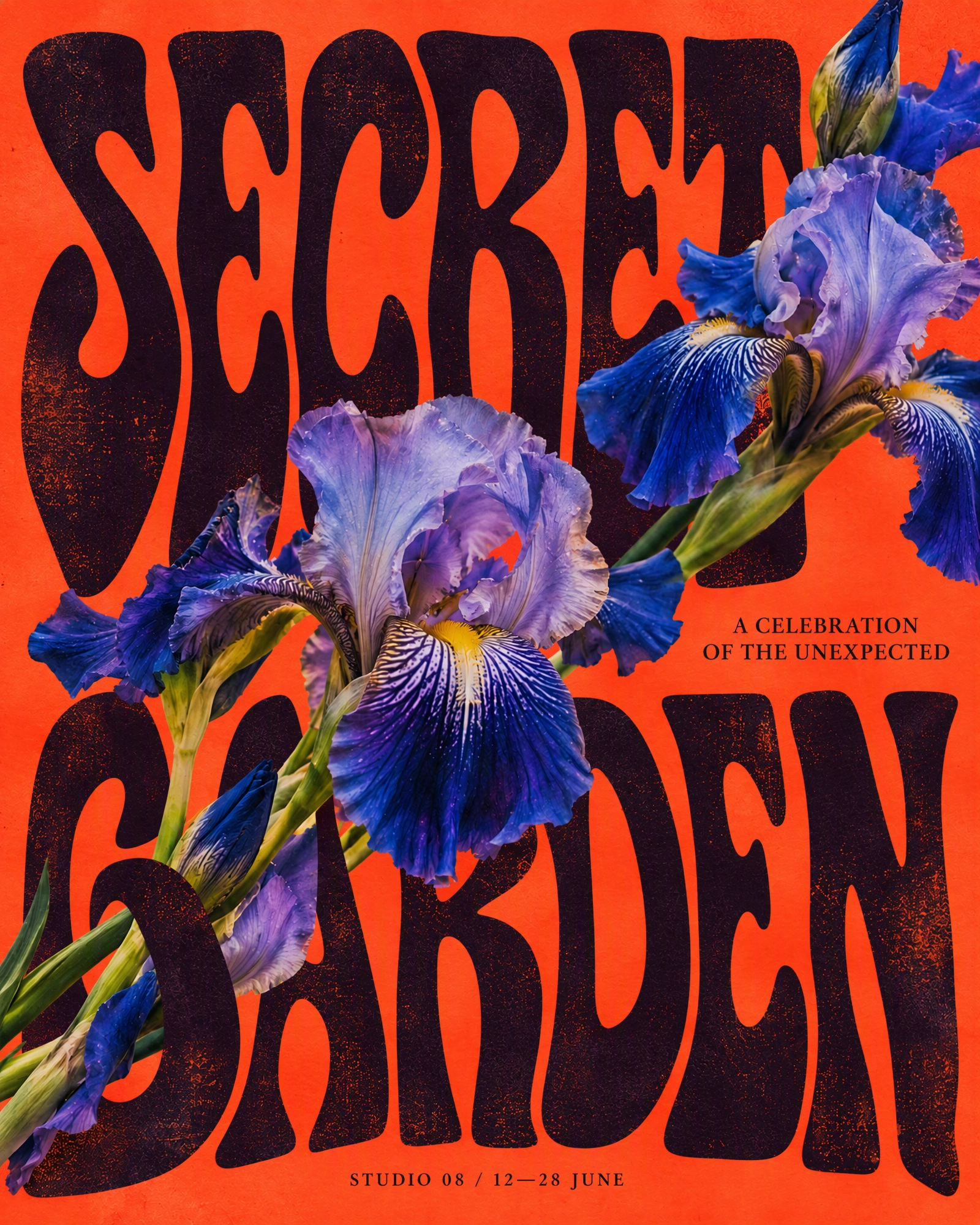
See what you can change.
Drag to compare the original and edited image.
Posters
Apparel

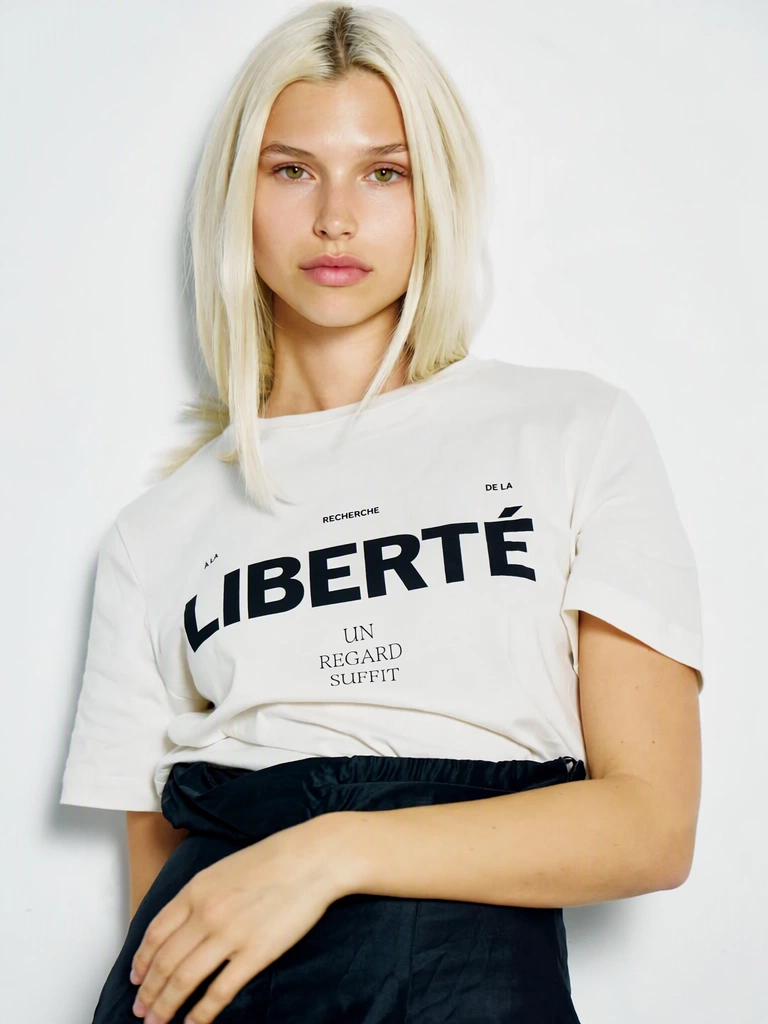
Editorial
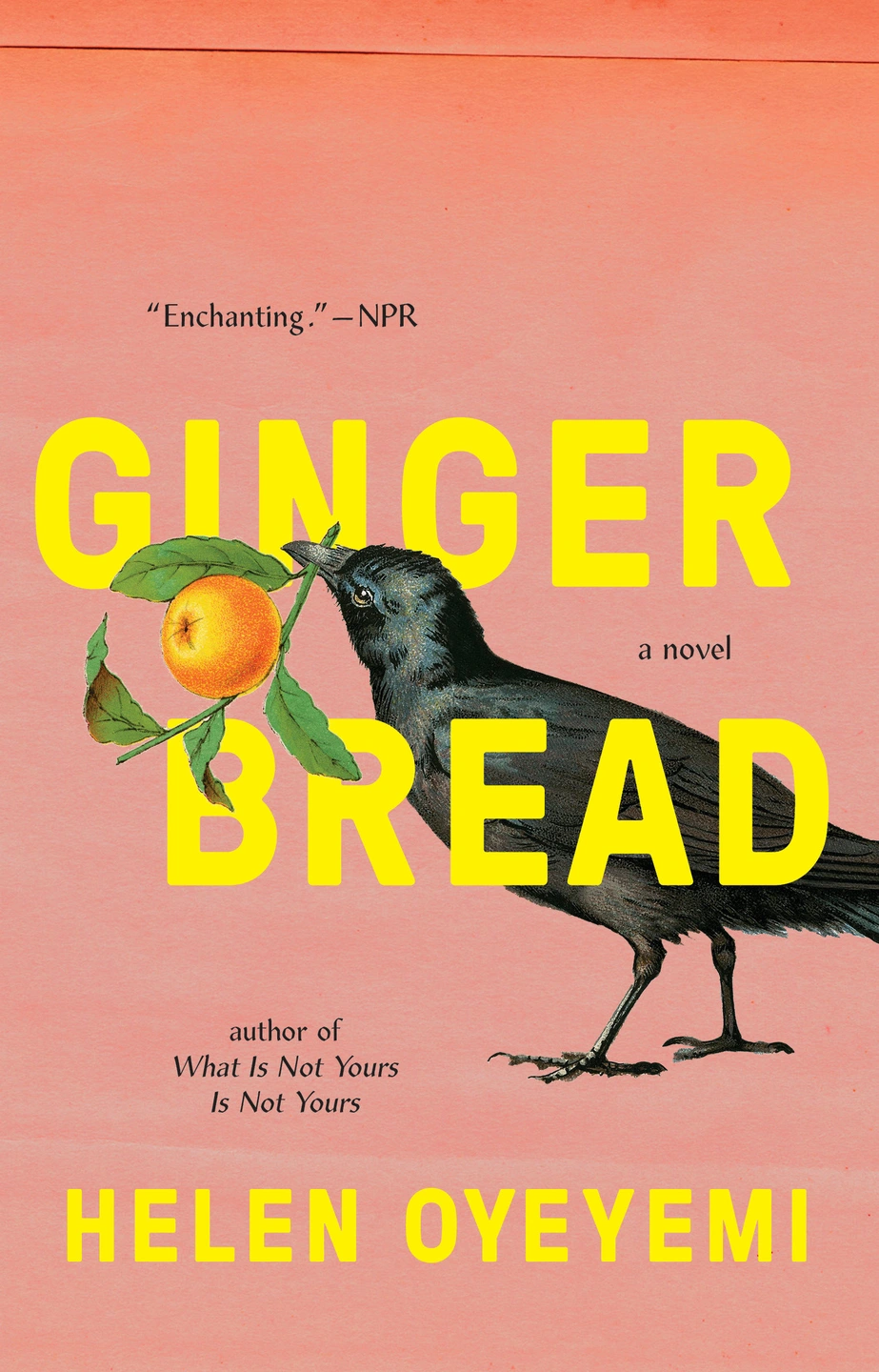
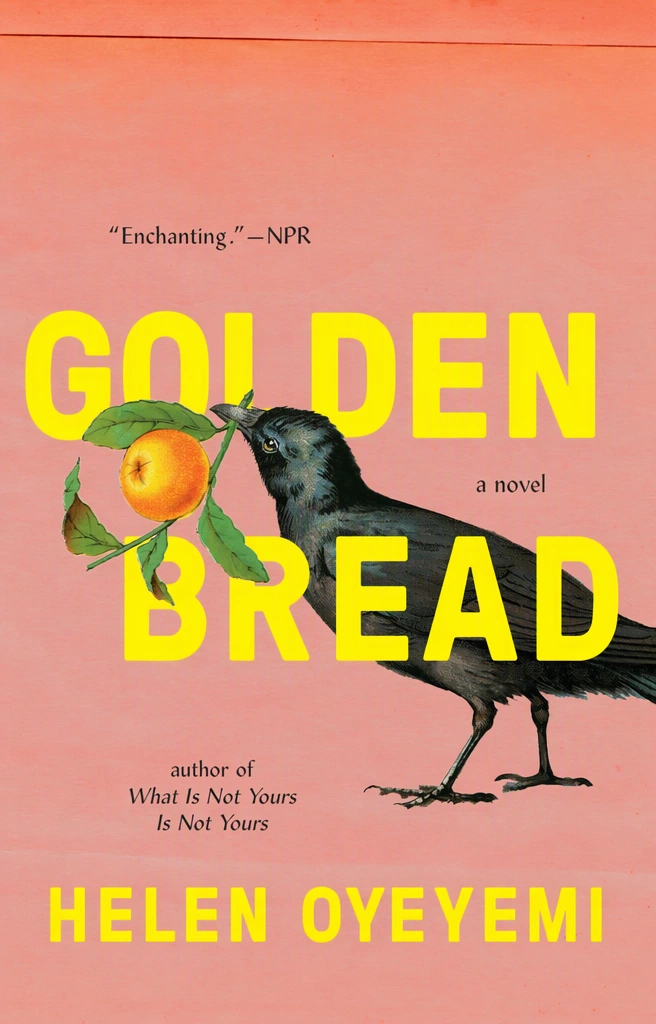
Packaging
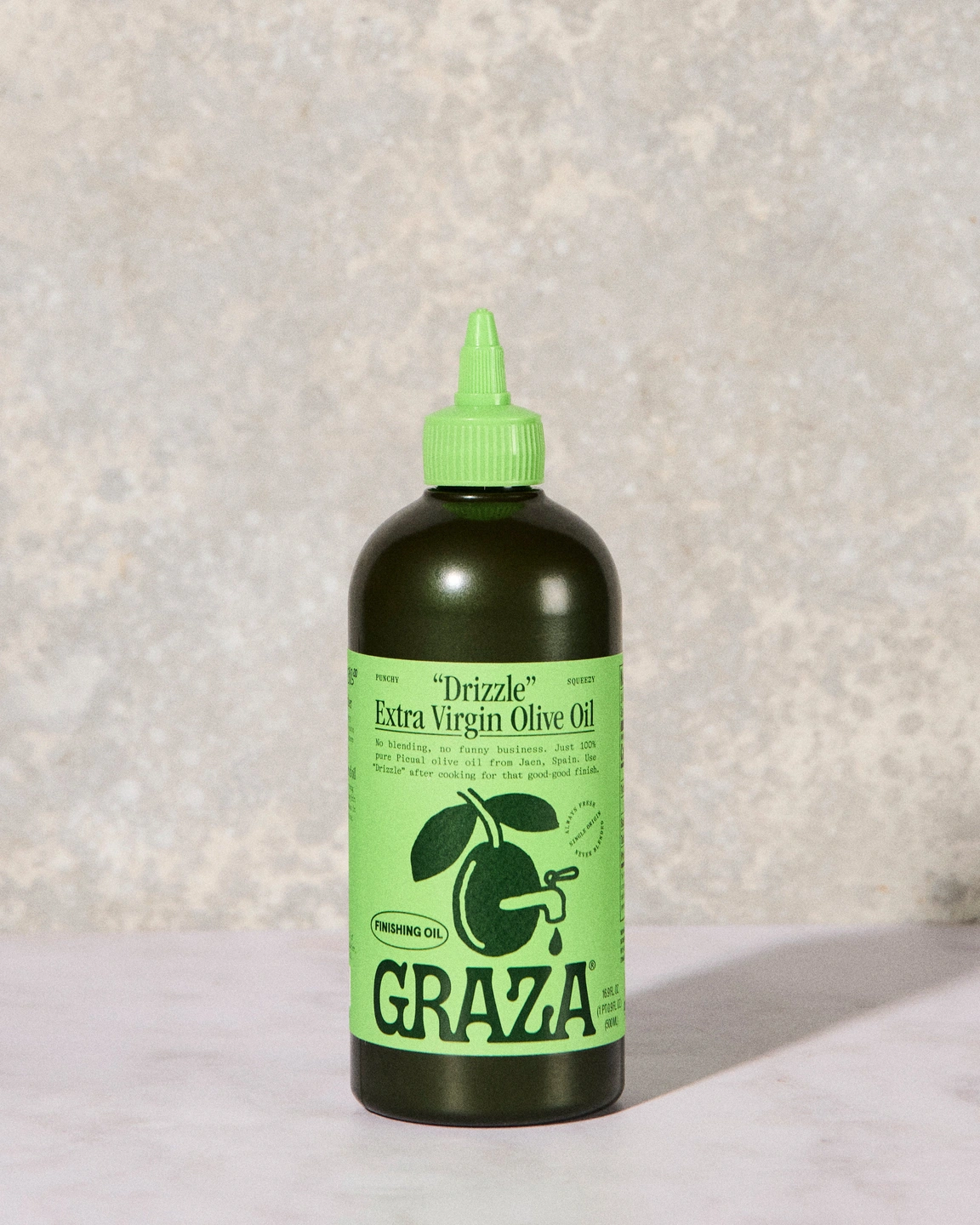
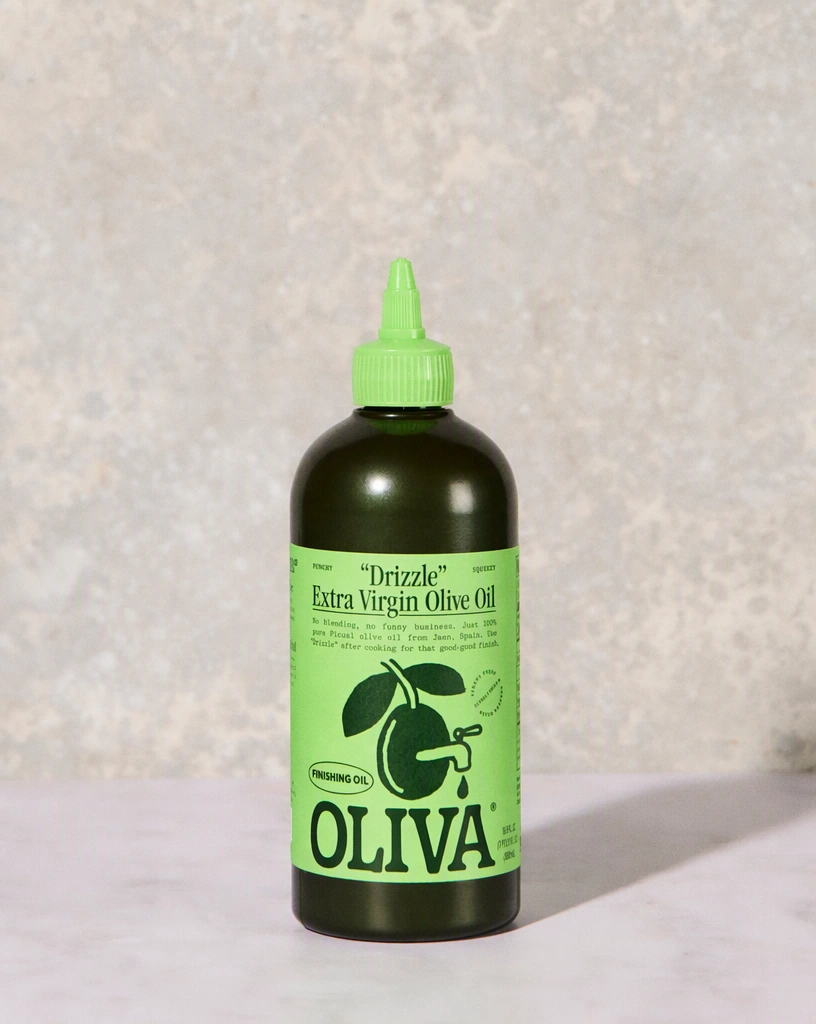
Signage
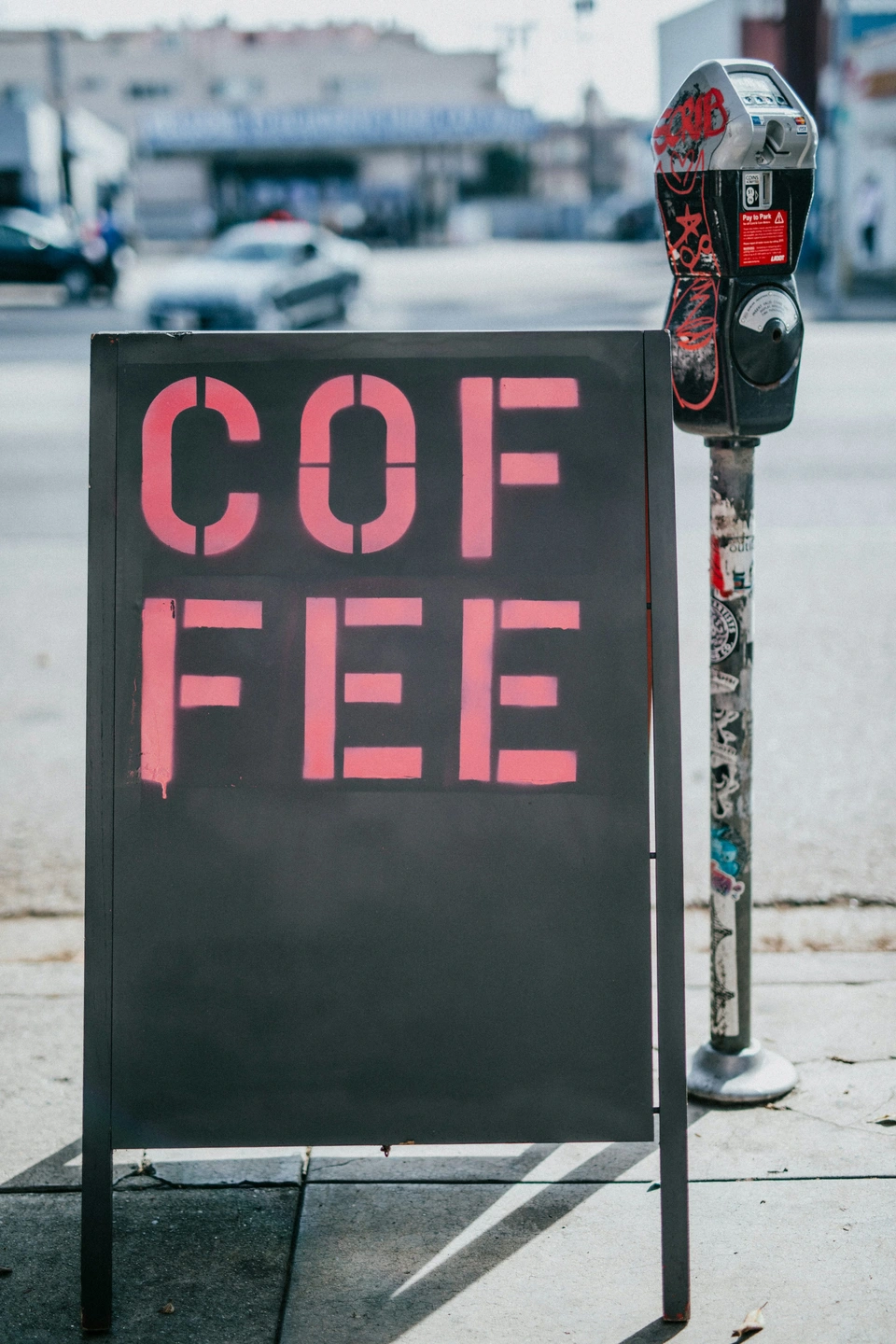

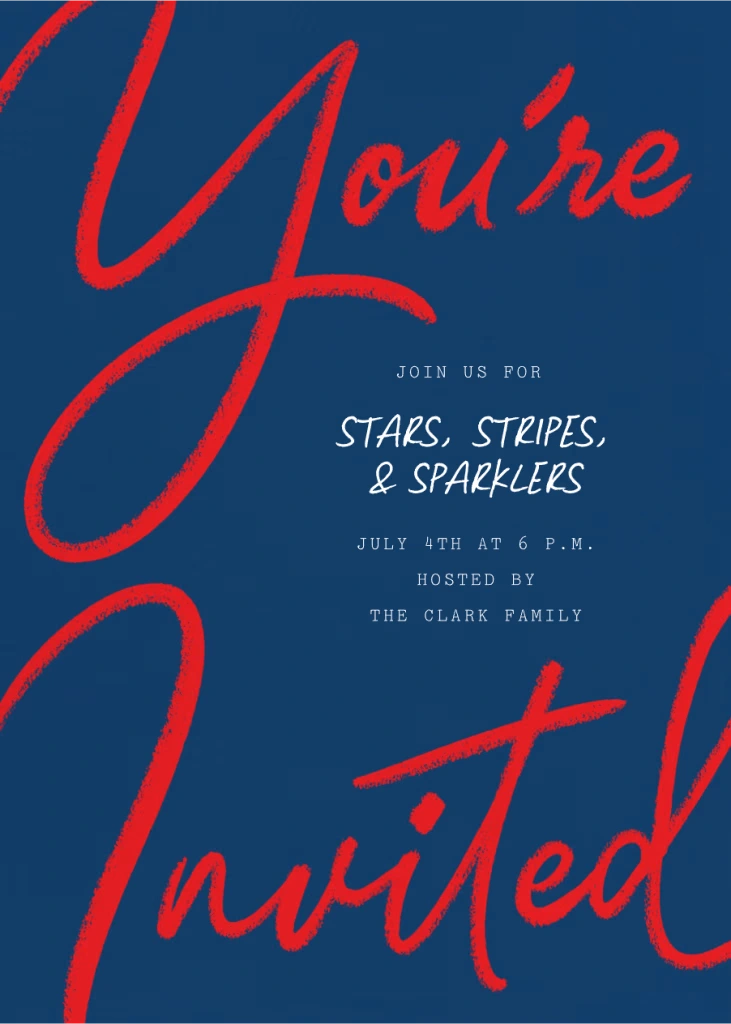
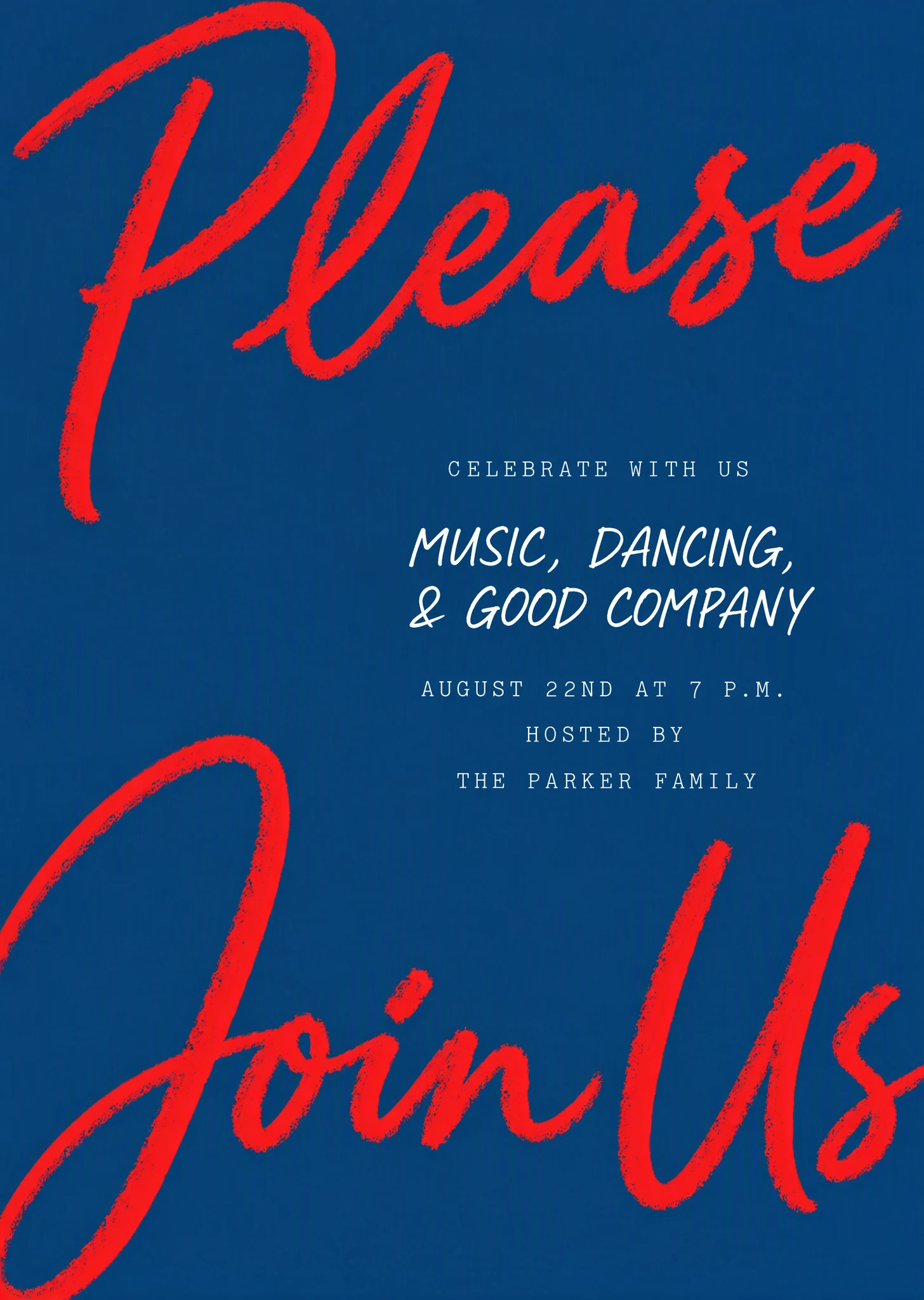
Invitations
Frequently asked questions
How do I edit text in an image?
Upload an image, change the detected text, then select Apply changes.
Will the new text match the original style?
Your image guides the lettering, size, color, and texture of the replacement. Matching happens automatically, so there is no font to identify or select. Results can vary, especially with unusual lettering or detailed backgrounds.
Can I change just one word?
Yes. Change only the replacement you want and leave the other entries as they are. If a word was missed or read incorrectly, correct the Original entry or use Add text to enter the words yourself.
How do I remove text?
Leave the Replacement field blank for the words you want to remove, then select Apply changes. The surrounding image guides how the area is filled.
What is the difference between Standard and High quality?
Standard is the faster option for everyday edits. Choose High quality for more complex lettering and finer details. Results can vary with either option, so check the finished image.
Which files can I upload and download?
Upload a PNG, JPG, or WebP image up to 14 MiB. Your edited image downloads as a PNG, and your original remains saved in My images.